Mecha Break Customization Guide: How to Unlock Skins, Paints, and Stand Out on the Battlefield
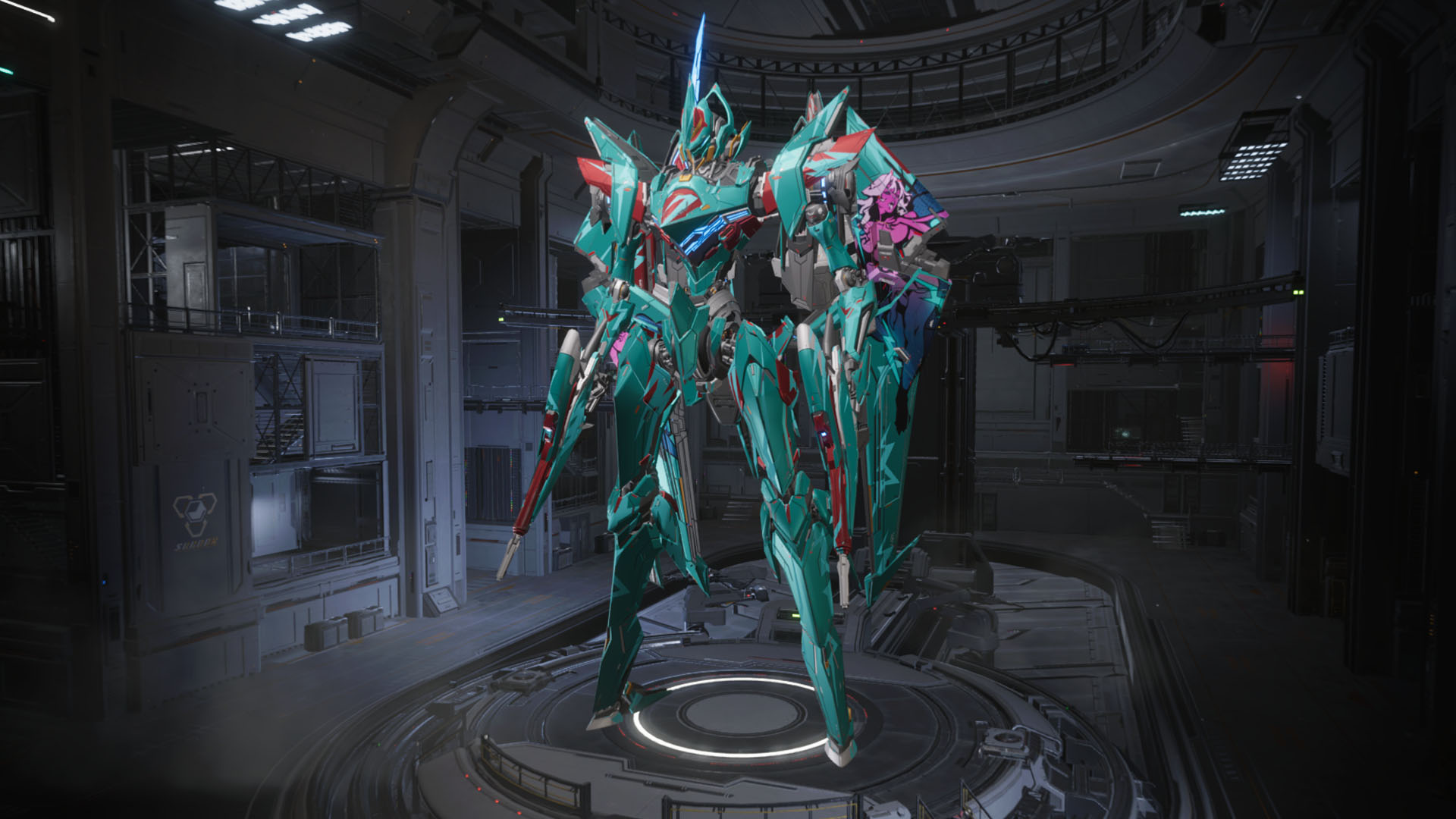
Want to make your mecha truly stand out in Mecha Break? If you’re tired of seeing the same old Strikers on the battlefield, it’s time to dive into the game’s customization system. Whether you want to tweak colors, slap on some decals, or unlock rare skins, this guide will walk you through every step to make your robot shine. Read on for all the best tips and tricks!
- How to access and use the Striker Design menu
- What cosmetic options are available and how they work
- How to unlock more paints, skins, and patterns
- Ways to get cosmetics for free or with in-game currency
Where to Customize Your Mecha in Mecha Break
First things first – head to the Striker Bay and find the Striker Design menu. This is your main hub for all visual upgrades. If you want to change stats, you’ll need mods, but for style points, Striker Design is the place to be.
Here, you’ll find five main customization options:
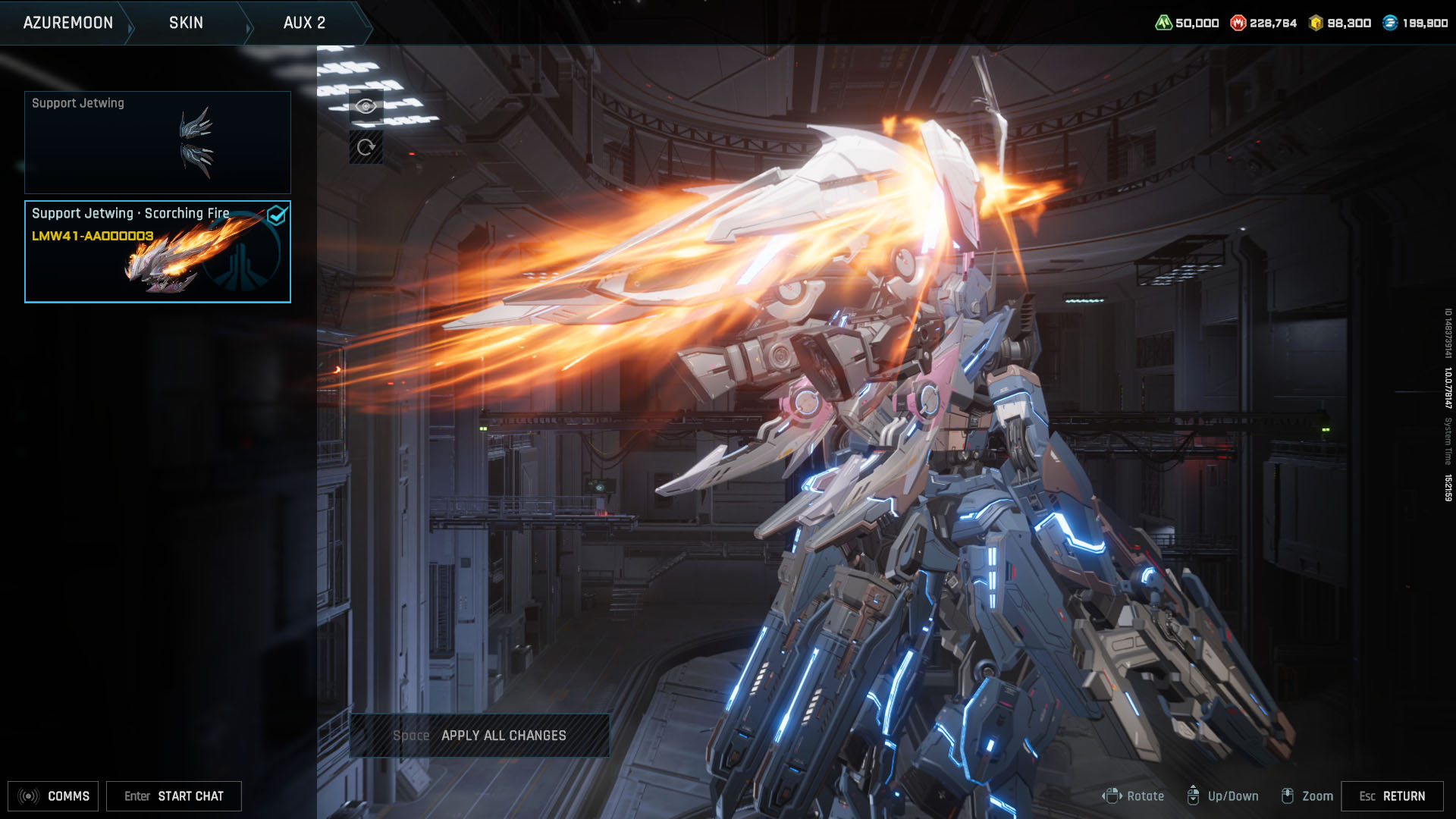
- Skin: Changes the look of specific parts like wings or weapons.
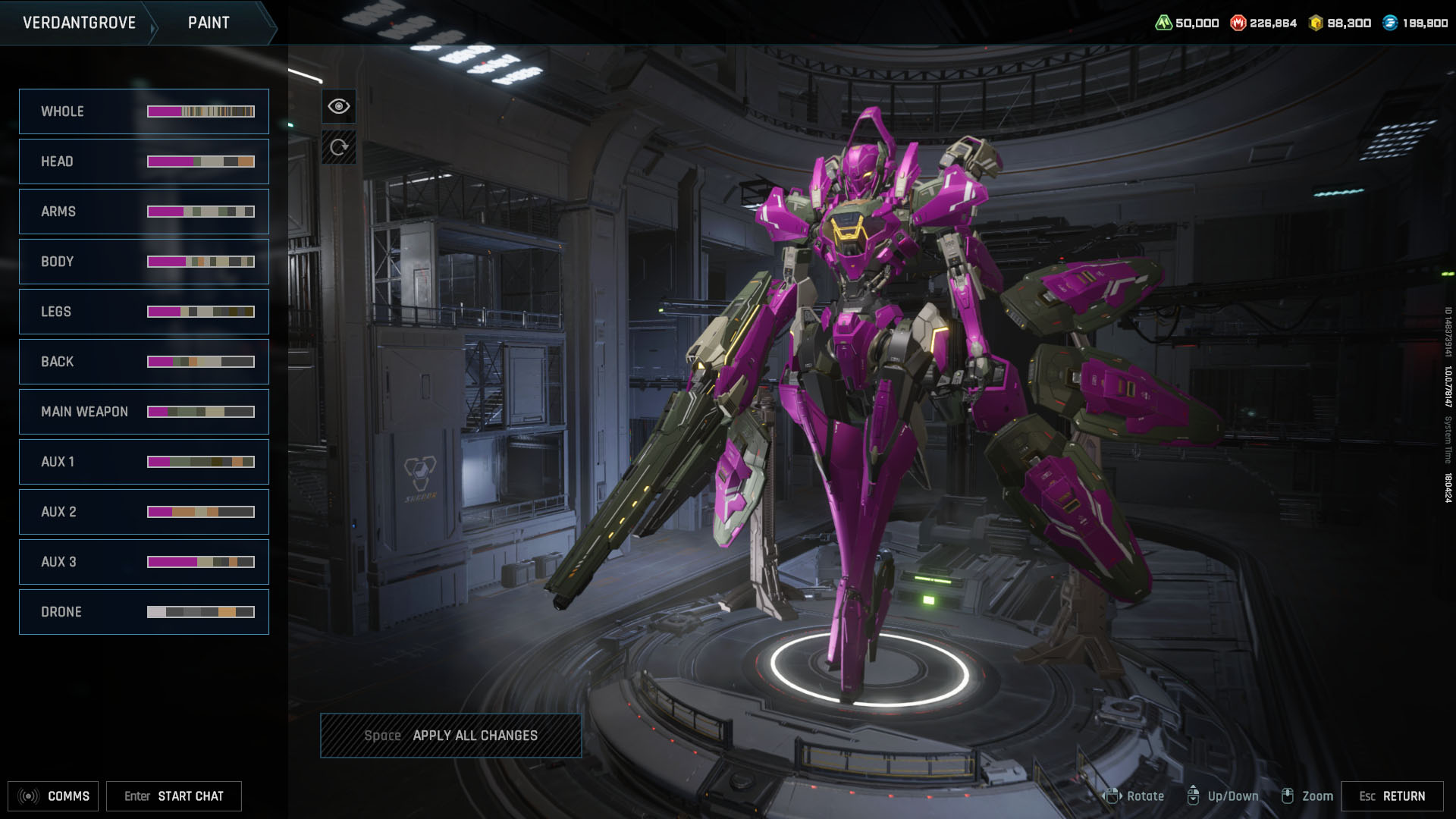
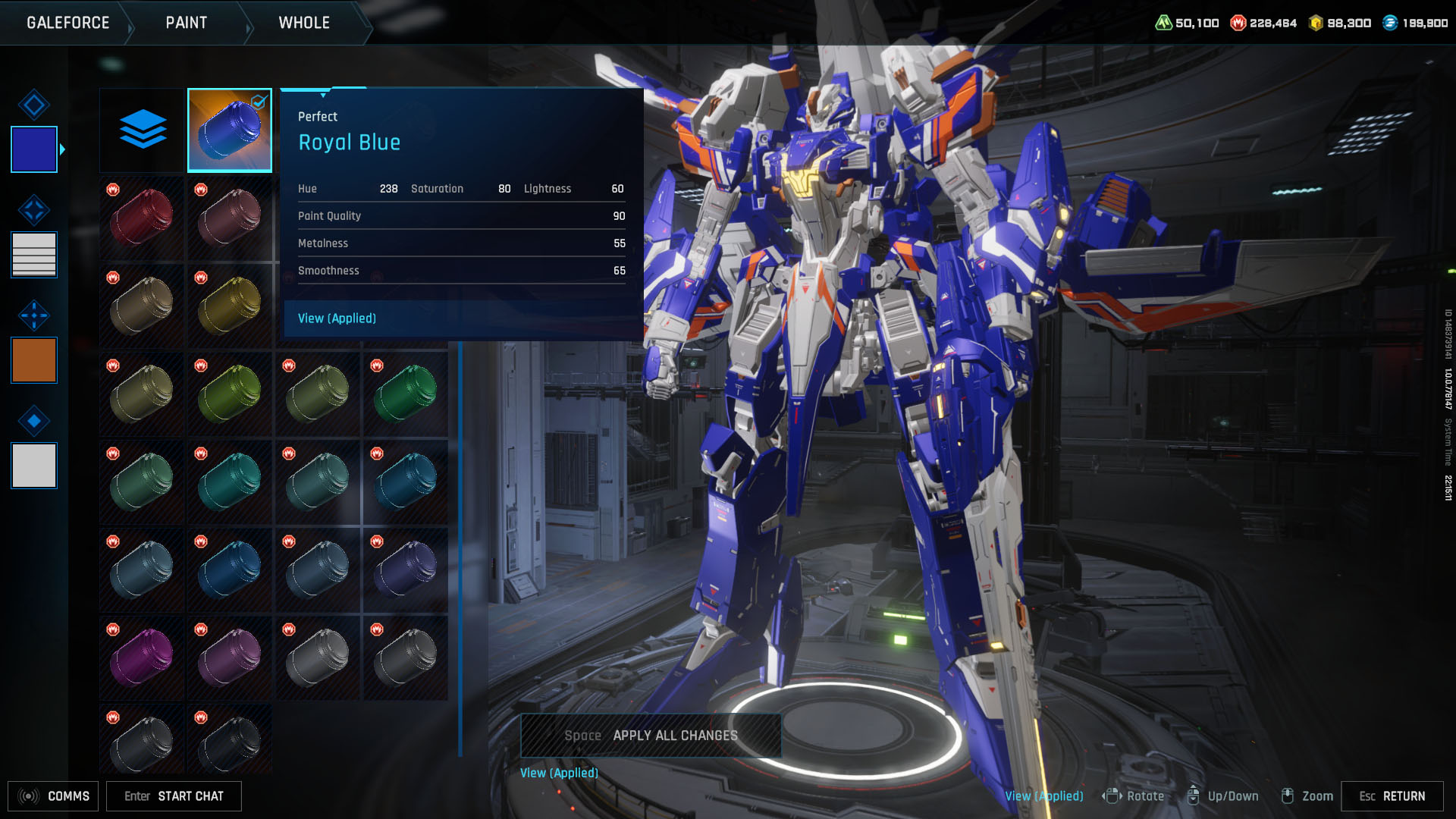
- Paint: Lets you dye the whole body or just parts (arms, weapons, etc.).
- Pattern: Adds a decal to a set spot on your mecha. Only one pattern at a time!
- Insignia: Badges that show off your achievements – up to five per Striker.
- Accent: Changes the color of small details for that extra flair.
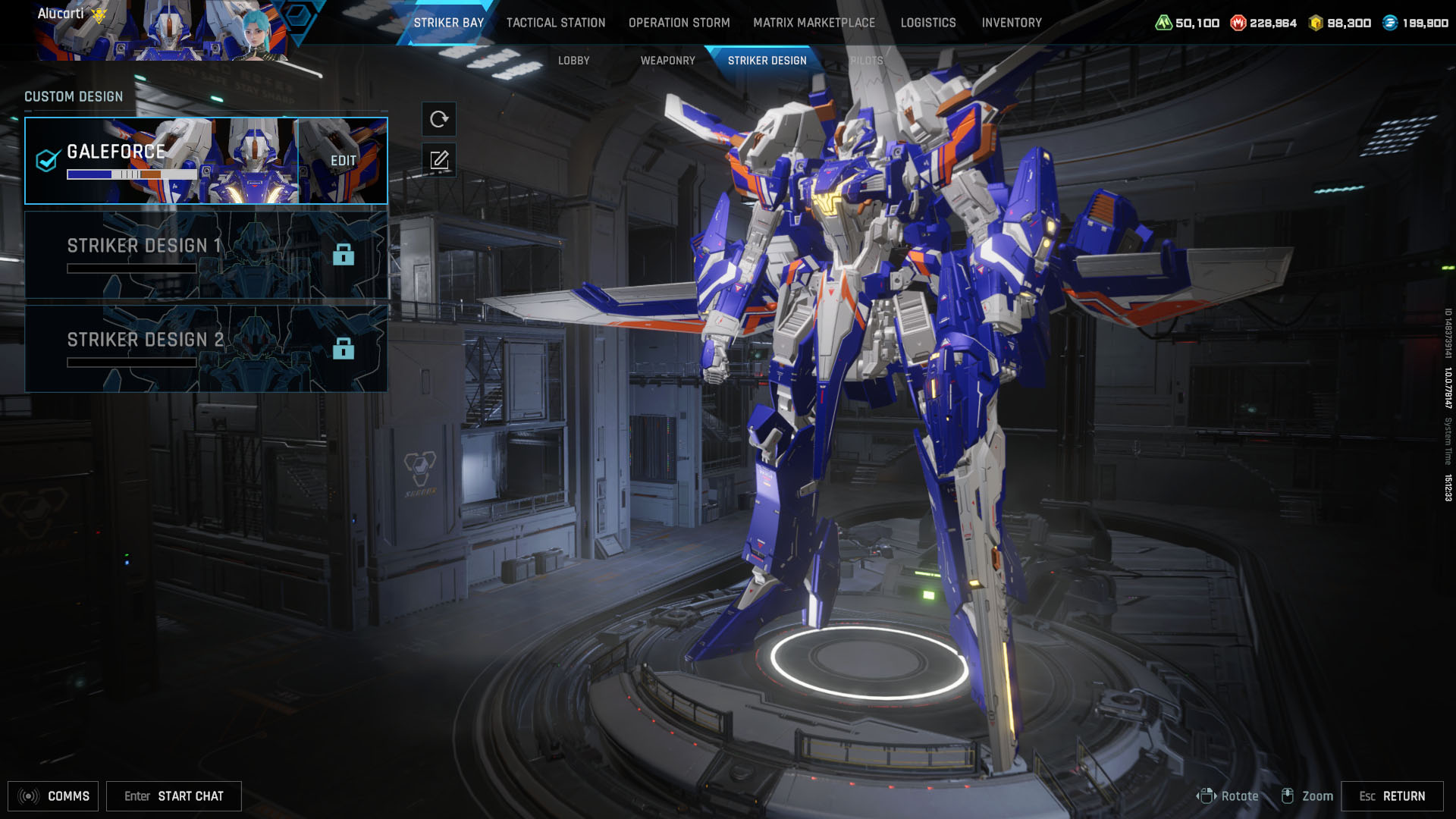
Making Your Striker Unique
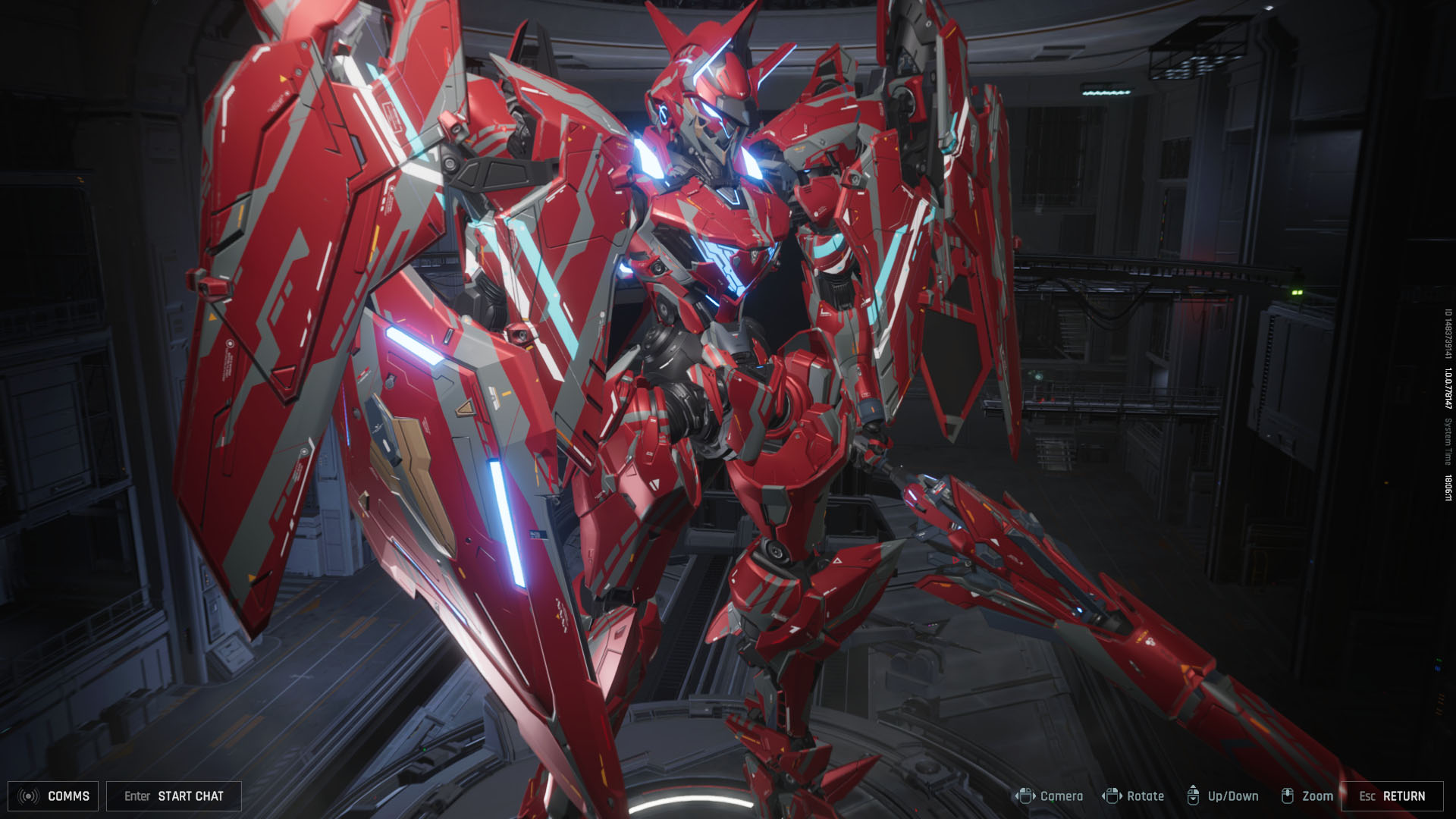
Most players spend the most time with Paint – and for good reason. You can go wild, painting the whole mech or focusing on just one section. Patterns let you add that signature look, but remember, only one at a time. Want to show off? Stack up to five Insignias wherever you like!
Skins are a bit different – they only change certain parts, not the full Striker. No complete skin sets yet, so mix and match to create something fresh. Not happy with your design? Reset everything to default for free, or save up to three custom looks per Striker. The first slot is free; the other two cost 2,000 Mission Tokens each.
How to Get More Cosmetics
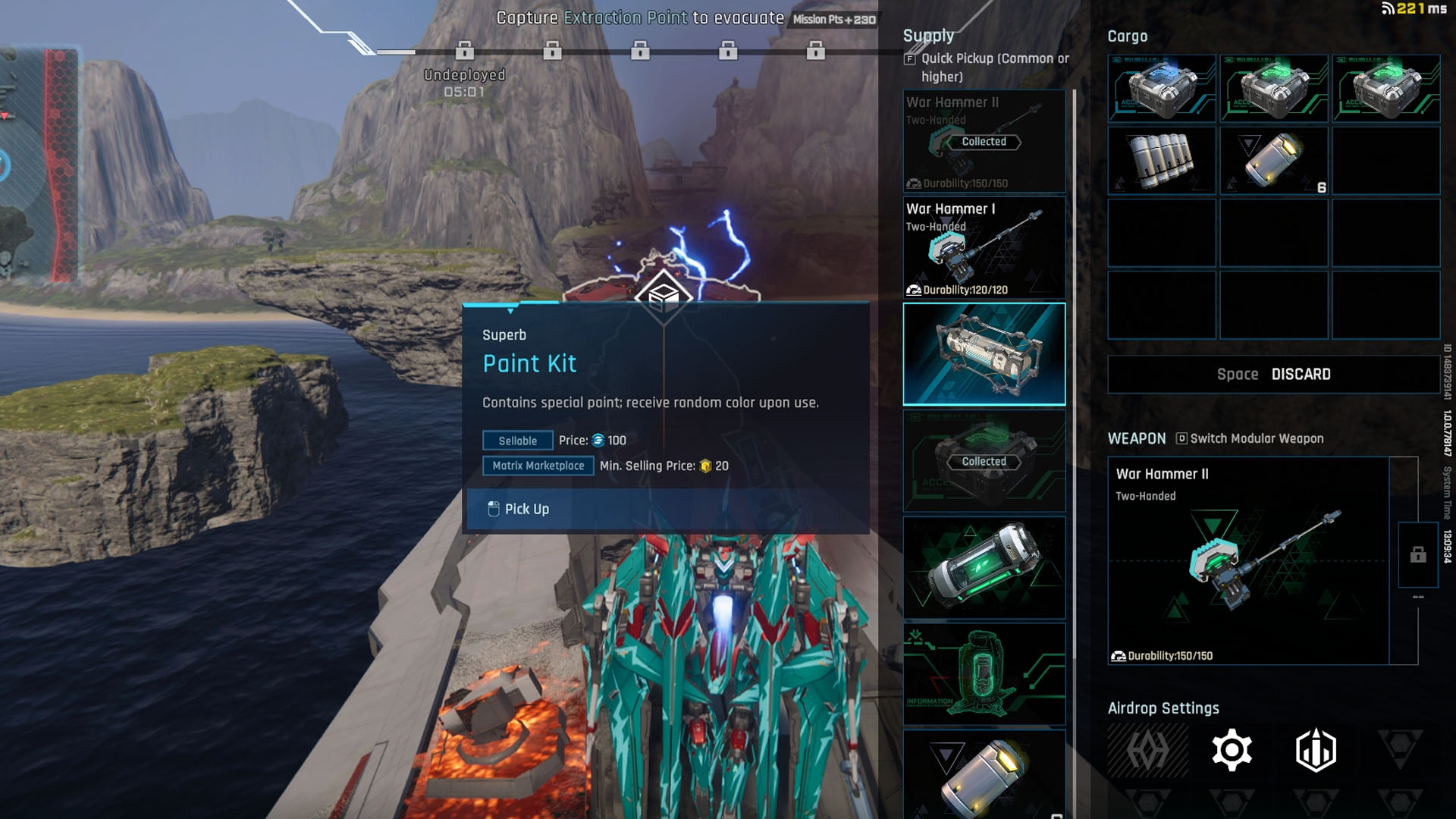
Want more options? Paint kits are your best friend. Play Mashmak mode and go on extraction missions – sometimes you’ll loot special paint kits from defeated enemies. These give you random new colors once you open them after the mission at an Extraction Point.
Everything you loot in Mashmak mode, including paint kits, only appears in your inventory after a successful extraction. So, don’t forget to finish your mission!
Unlocking Skins and Patterns
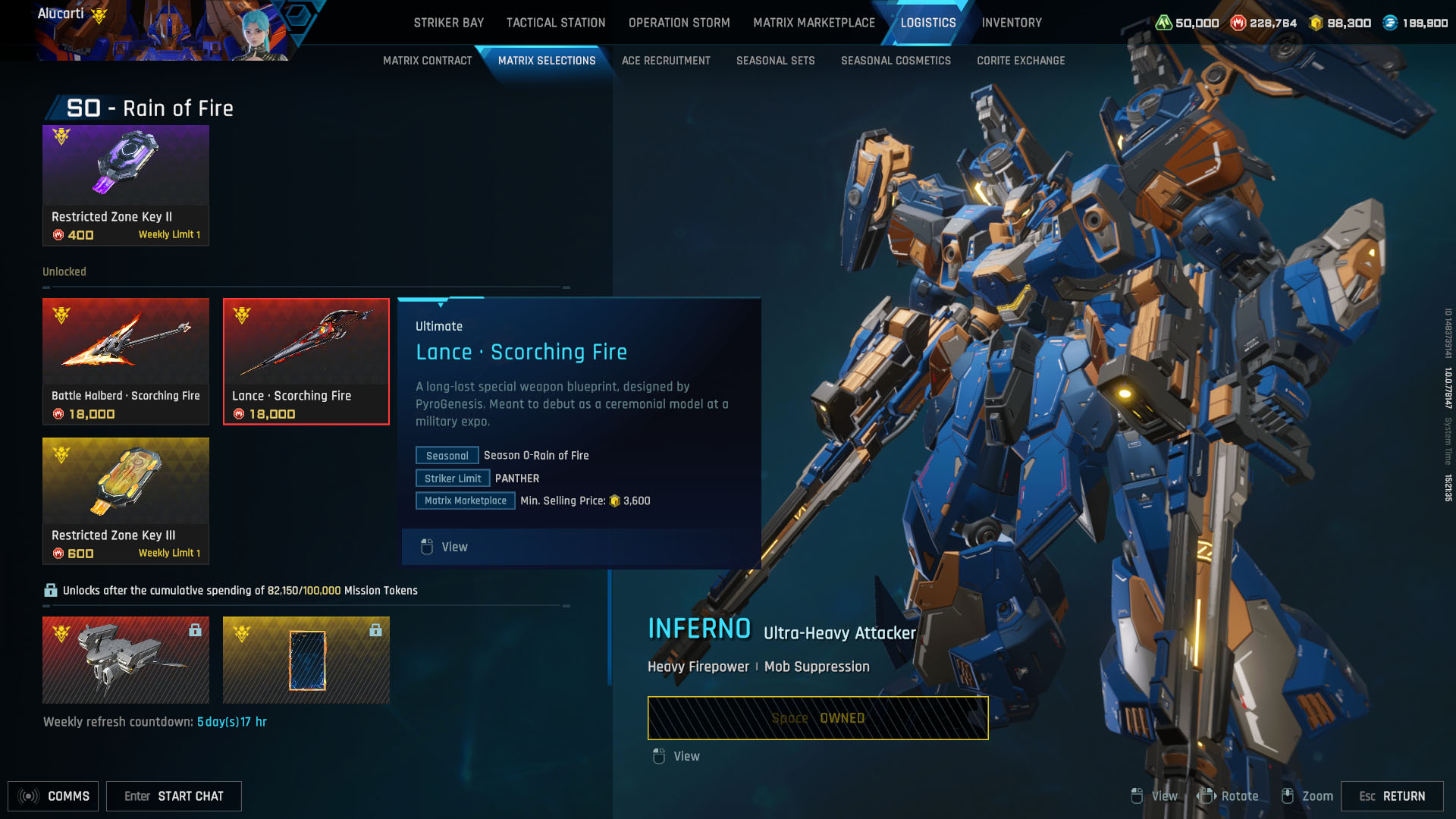
If you’re after more skins or patterns, spend Mission Tokens earned from gameplay in the Logistics tab. Here you’ll find all the seasonal cosmetics available for purchase. Feeling lucky? Try your hand at a Supply Crate – a lootbox with a chance for the latest skins and patterns.
There’s also a special Seasonal Set that costs Corite, which is bought with real money. These sets might disappear after the season ends, so grab them while you can if you’re interested.
That’s all you need to know to start personalizing your mecha in Mecha Break. Jump in, experiment, and show off your unique style on the battlefield!