Nintendo Switch 2 Joy-Con Review: Bigger, Better, and Packed With Surprises
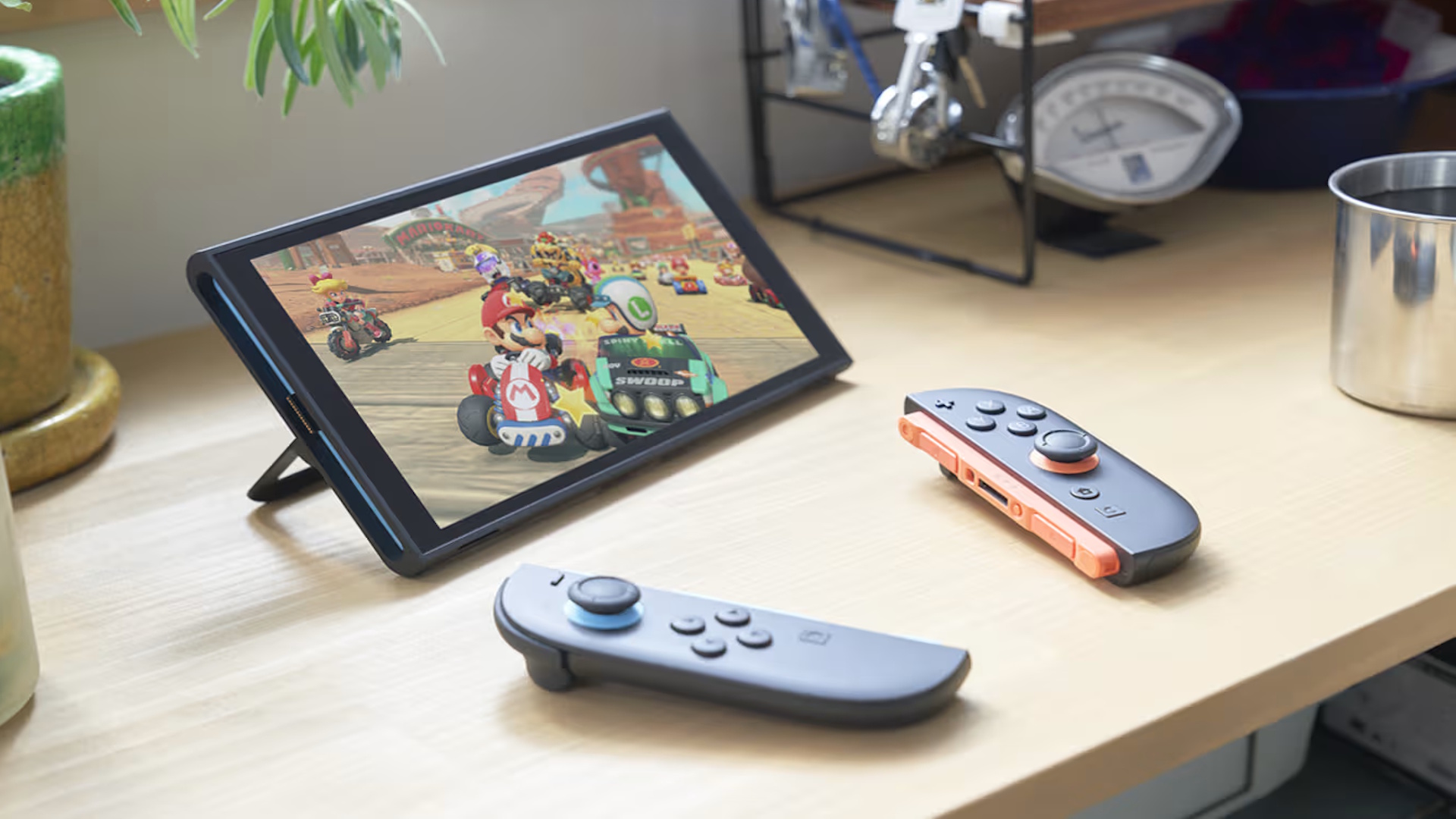
Nintendo’s new Switch 2 is finally here, and its updated Joy-Con 2 controllers are making waves. If you ever felt the old Joy-Con were too tiny, uncomfortable, or just a bit too much like a toy, you’ll want to see what’s changed. Let’s dive into the most important upgrades, quirks, and surprises – and why you might want to give these a try, even if you weren’t a fan before.
- Joy-Con 2 are bigger and much more comfortable
- Design is more “serious,” with fewer color options
- Button feel and sound have improved
- Mouse mode adds new ways to play
- Motion controls are more accurate
- Some minor caveats remain
Joy-Con 2: Finally, Comfort You Can Count On
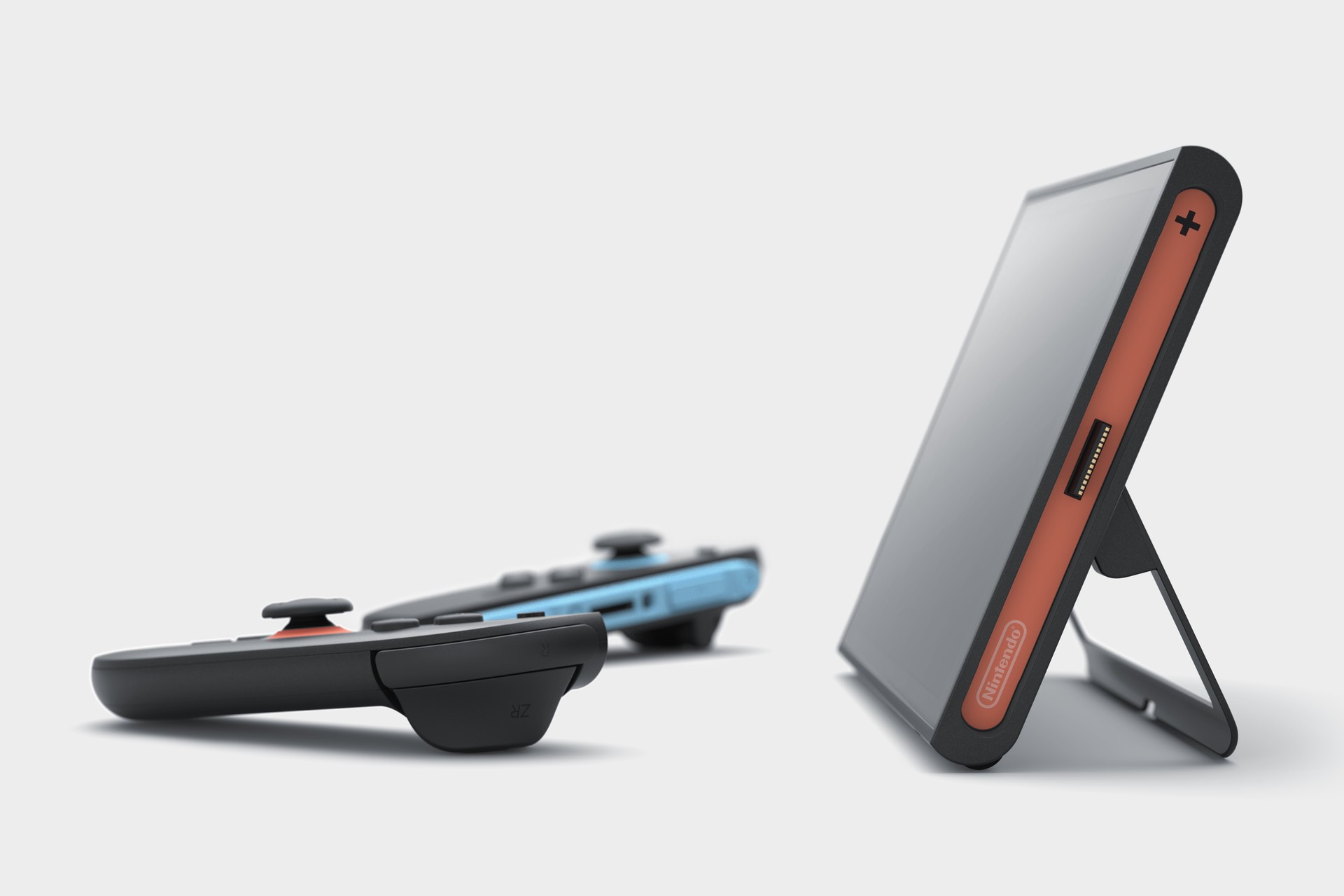
Let’s be real – the original Joy-Con controllers were a revolution, but not everyone loved holding them for hours. The Joy-Con 2 are about an inch longer, and while that sounds small, it makes a huge difference. That extra length means your fingers can finally rest comfortably, thanks to a new ridge under the shoulder buttons. No more hand cramps after a long Mario Kart session! And if you prefer playing with the Joy-Con detached, they now feel a lot more natural – even without the grip.
Looks: More “Hardware,” Less “Toy”
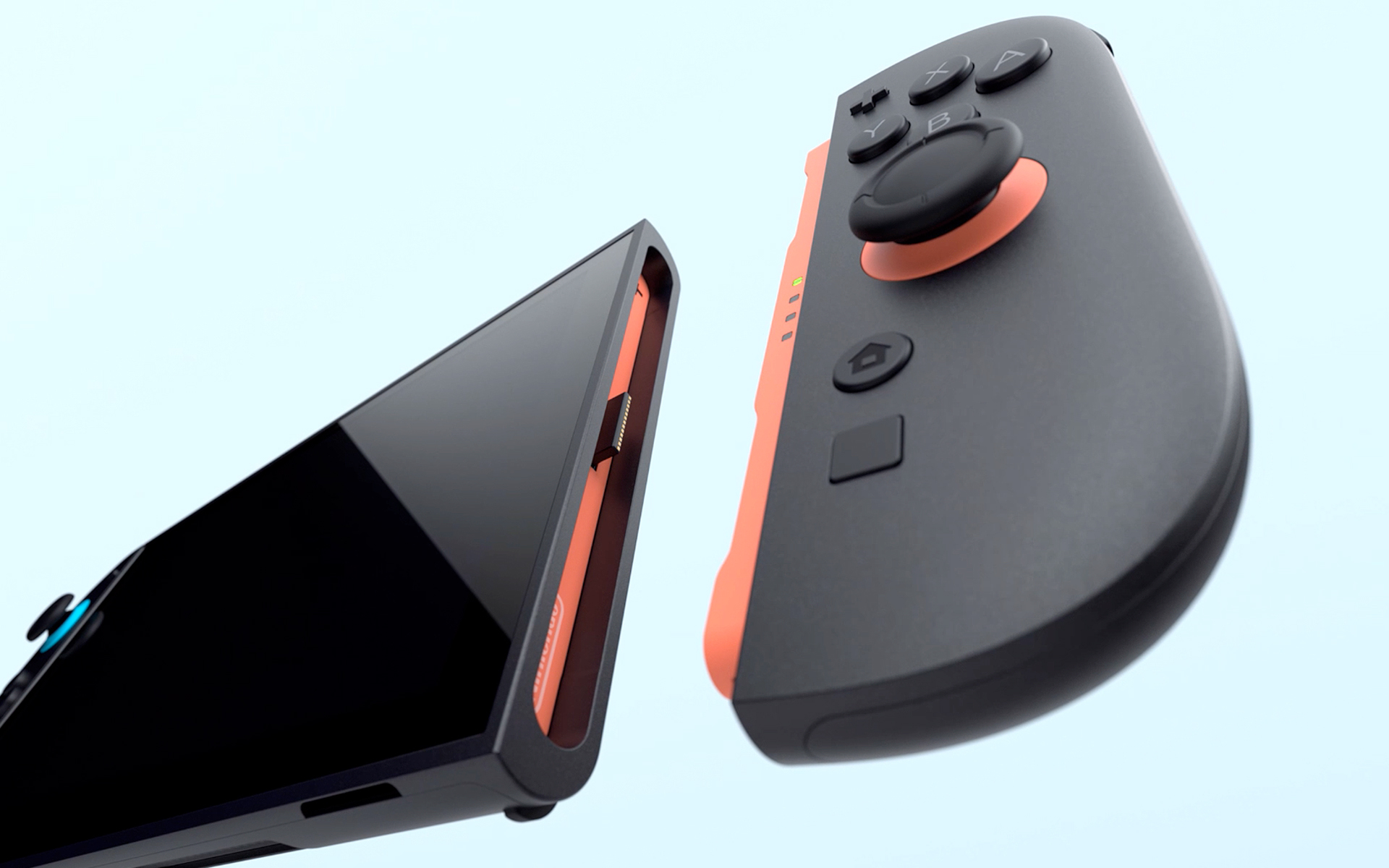
Nintendo clearly listened to feedback about the old Joy-Con’s “Fisher Price” look. The Joy-Con 2 feature a mostly dark charcoal grey finish, with just a hint of color around the control stick and rails. It’s a more mature look, but it does mean less personality and fewer color combos. If you loved collecting the old colorful Joy-Con, you might be disappointed – dropping $90 for a tiny splash of color isn’t as tempting as before.
Button Feel & Sound: Satisfying Clicks
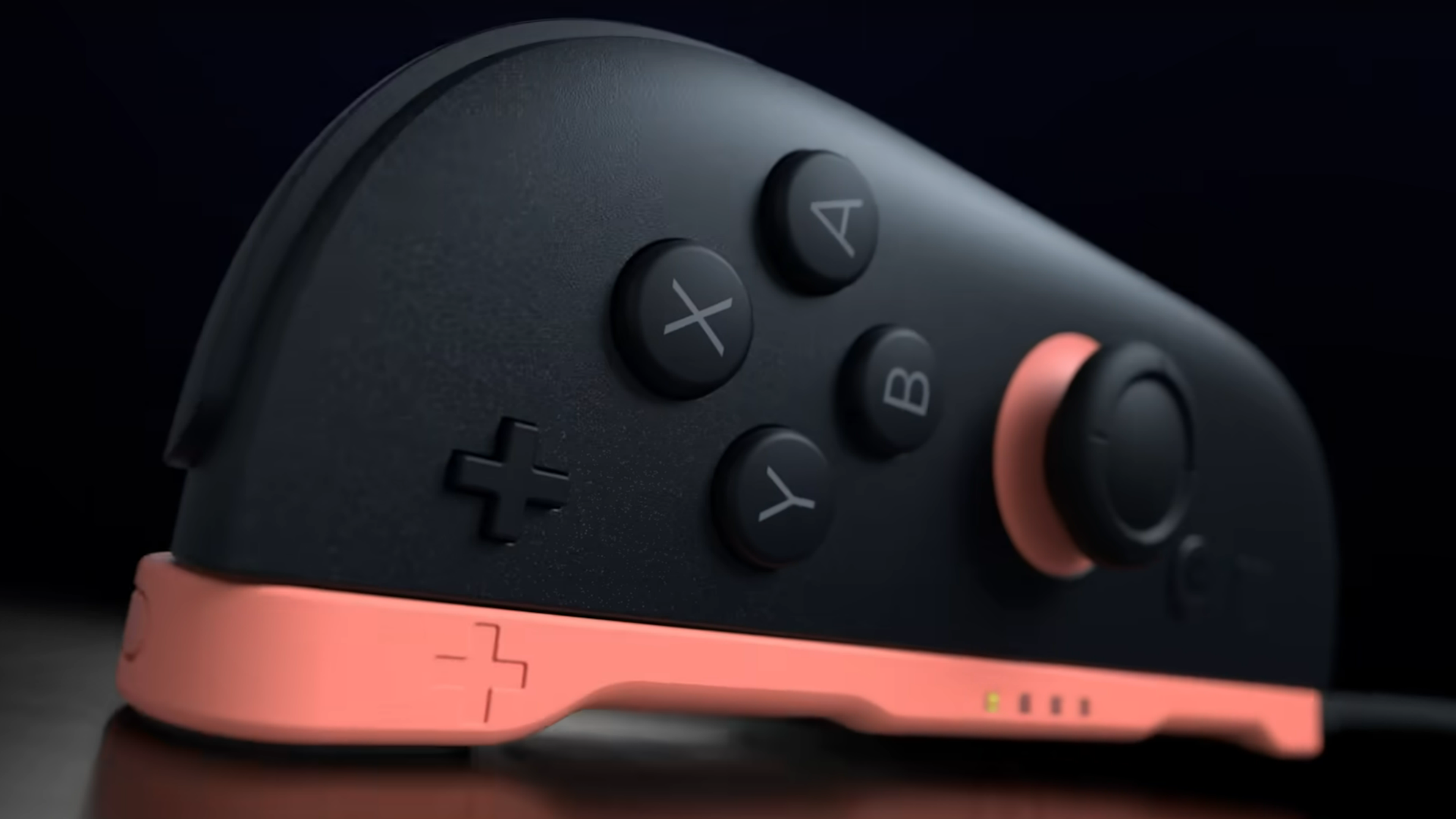
There’s a subtle but welcome change here. The button presses on Joy-Con 2 are softer and quieter. The old Joy-Con had loud, springy clicks that could annoy anyone nearby. Now, it’s more of a gentle “plunk” – especially on the shoulder buttons. It’s a small detail, but it really makes a difference if you’re gaming in a shared space.
Mouse Mode: A Game-Changer?
One of the coolest new features is the ability to use the right Joy-Con 2 as a mouse. It’s surprisingly comfortable, as long as you don’t try to use it exactly like a regular mouse. The controller is narrow, so it’s best for quick browsing or games that support it, like Civilization 7. You can rest it in your lap or even use your thigh as a mousepad for Fortnite or Cyberpunk 2077. It looks odd, but it works! There is a bit of input lag if your Wi-Fi is weak, and you need to stay close to the console, especially in tabletop mode. Mouse mode’s usefulness will depend a lot on how developers implement it and whether you can customize controls easily.
Motion Controls: Better Than Ever
If you gave up on motion controls after the Wii era, it’s time to give them another shot. The Joy-Con 2 are way more responsive. In games like Cyberpunk 2077, they feel so good that you might even prefer them over traditional controls – unless you’re accidentally tossing grenades into crowds, of course. The important part is that these new controllers give you real options: play how you want, where you want.
Should You Upgrade?
The Joy-Con 2 are a solid upgrade in almost every way. They’re more comfortable, quieter, and packed with new features like mouse mode. Sure, the color options are less exciting, and there are some quirks with mouse controls and Wi-Fi. But overall, it’s a big step up for handheld gaming. If you’re curious about new ways to play or just want a more comfortable experience, these are definitely worth checking out.