Stuck in the Candy Factory? Use This Easy Trick to Turn Off the Cameras in Little Nightmares 3
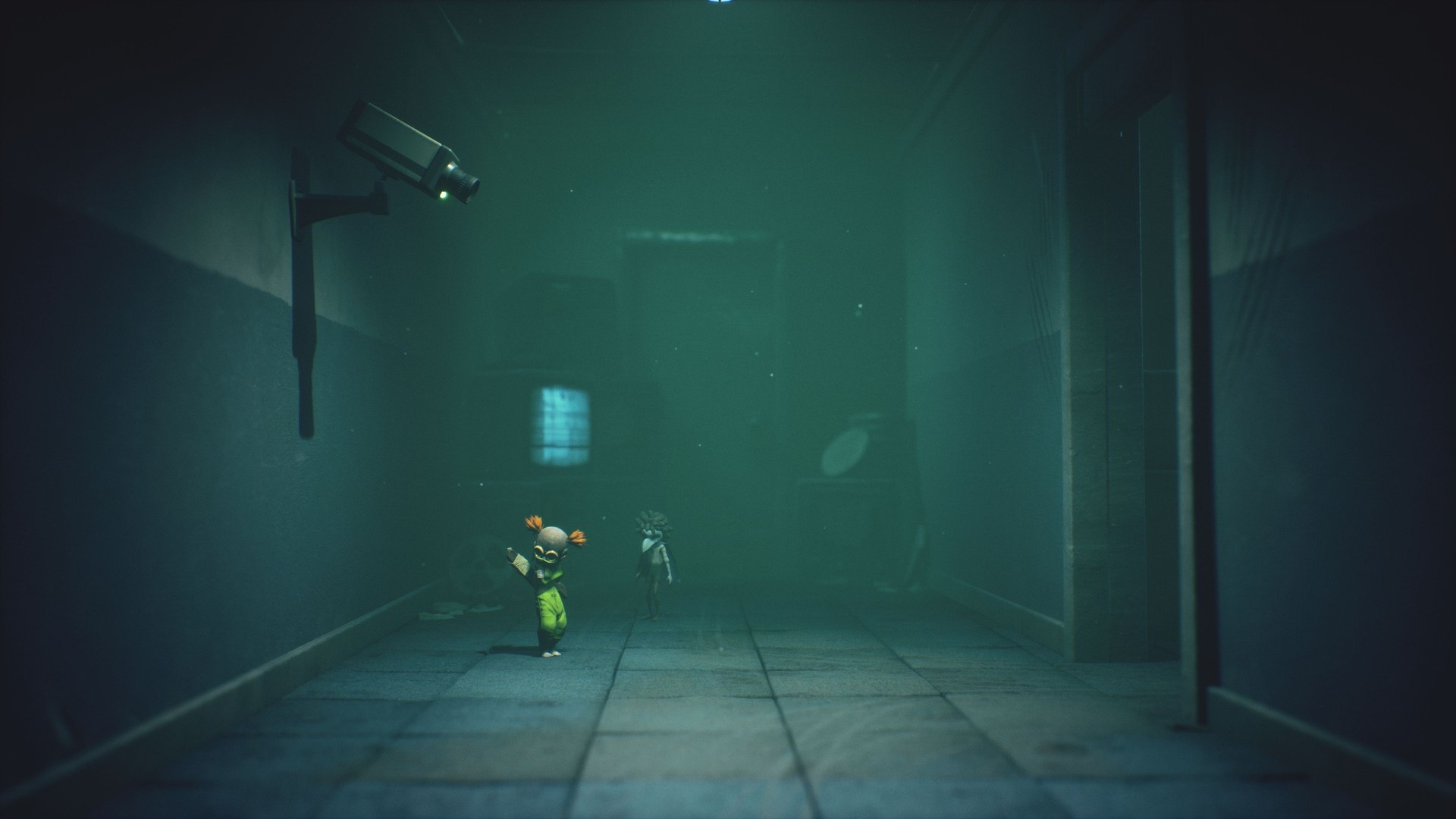
If you’re stuck at the camera room in Chapter 2, Candy Factory, here’s a clear, step-by-step way to turn the cameras off and get moving again. The puzzle uses basic cooperative actions: break glass, climb through a small opening, move a TV, and pull a lever to disable the camera that keeps closing the door.
How to turn off the cameras in Little Nightmares 3
How to turn off the cameras in Little Nightmares 3
After plugging the two light switches and taking the elevator in the Candy Factory, you’ll arrive in a room with a camera on the left and a doorway on the right. Whenever you step into the doorway’s view, the camera will shut the door, so you can’t just walk through. Instead, use the other routes and interactable objects in the room to bypass the camera’s line of sight.
Step-by-step
First, ignore the doorway that closes and move toward the player camera. On your left, there’s a closed door with a small glass window at the bottom. Use Alone’s wrench to smash the glass and climb into the next room through that lower window. This gives you access to another area without triggering the doorway camera. 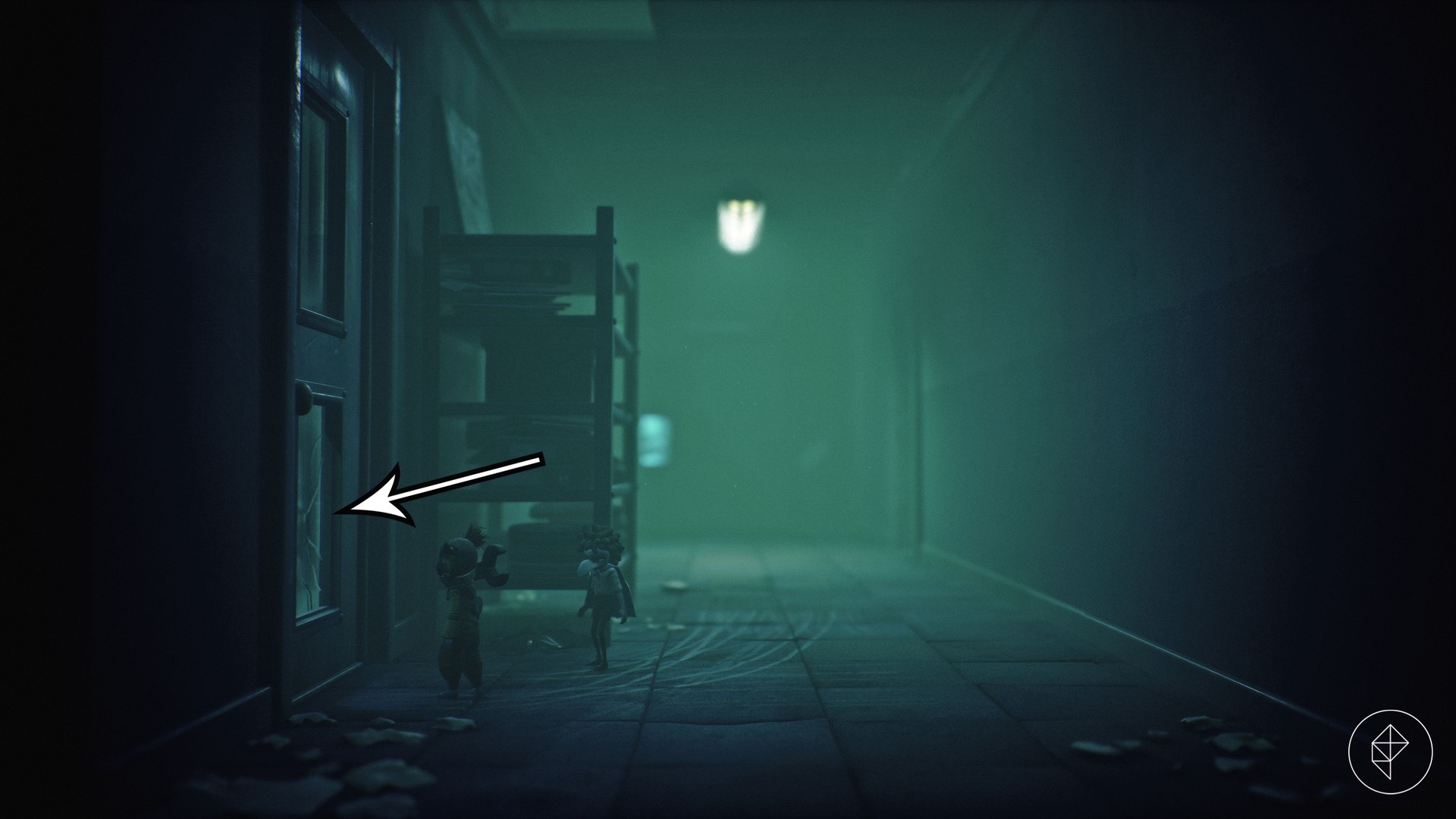
Next, you’ll face another camera-protected doorway. Look for a small opening in the top-left above a cabinet. You cannot simply boost the other player over the cabinet; instead, pull the drawer in the lower-right, jump up on it, and climb through the narrow opening. That leads into a room filled with monitors and control gear. 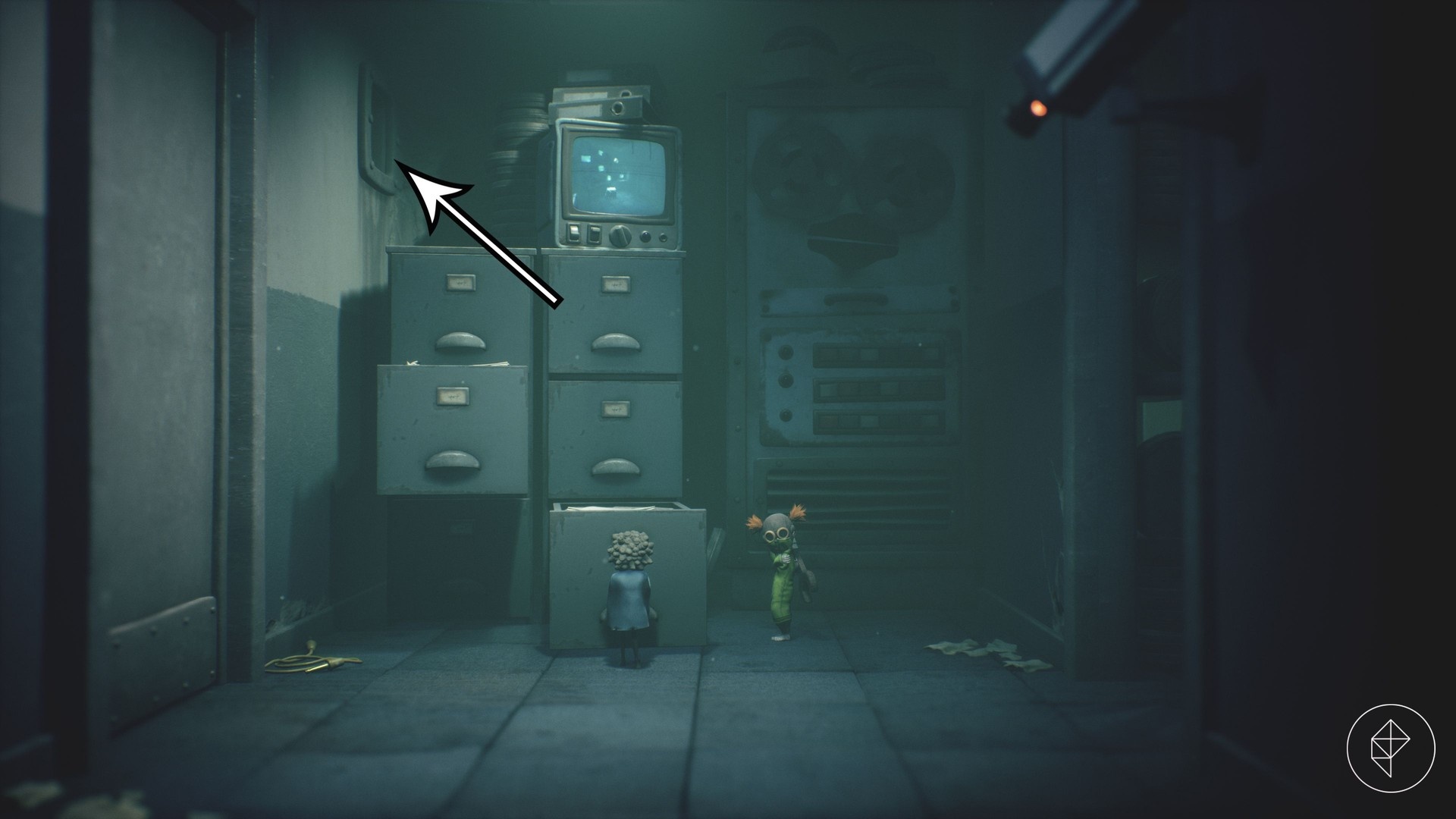
Drop down into the monitor room and wait until the original door reopens. If the other player remained behind, make sure they do not stand in the camera’s view while you move. Then push the broken television into the doorway to create a temporary opening and block the camera’s line-of-sight as needed. 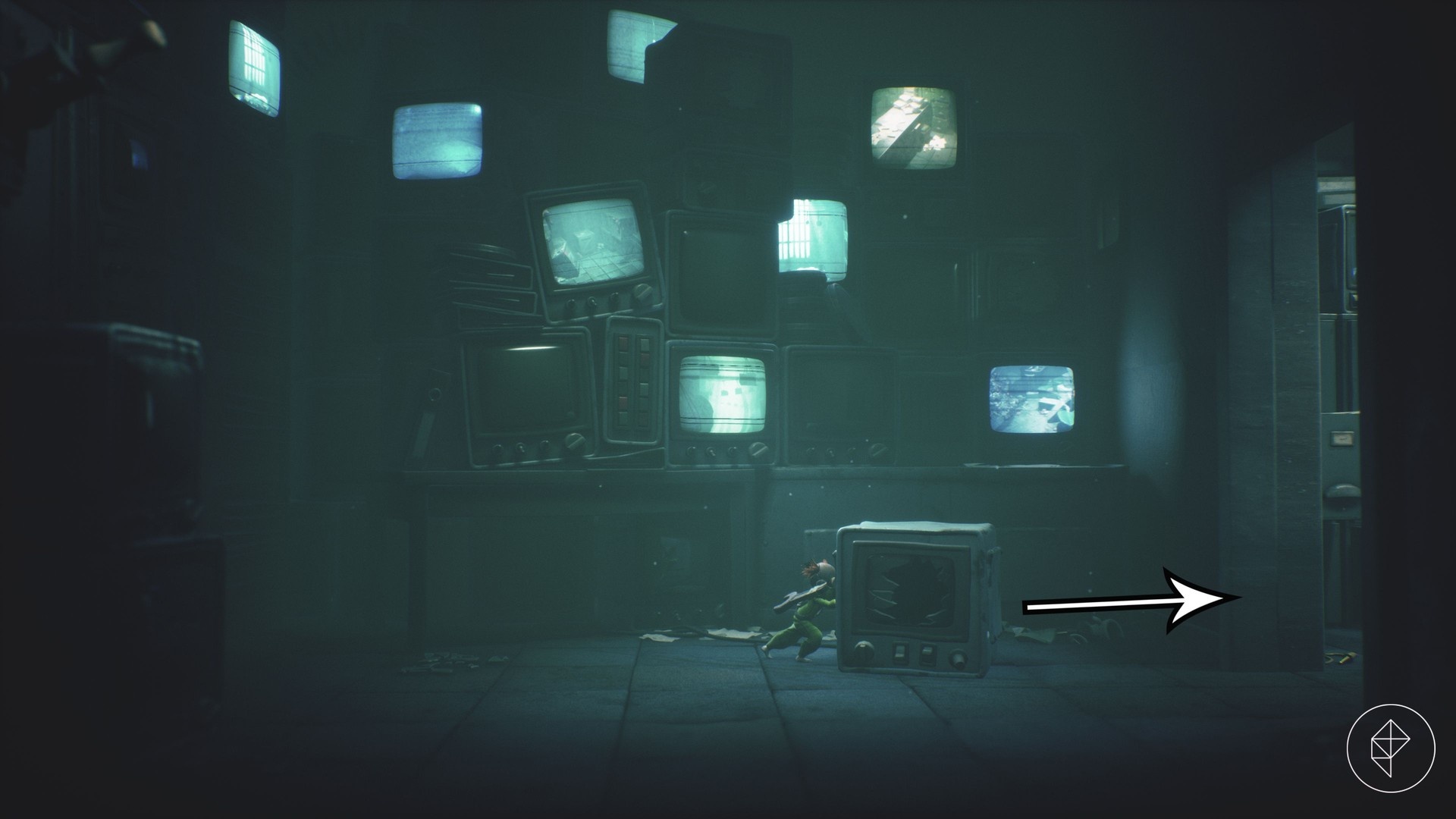
Finally, to disable the first camera, pull the lever located on the left side of the monitor room. To reach that lever, give the other player a leg-up so they can access the switch; cooperation is required. Once the lever is pulled, the camera that was closing the doorway will be turned off. 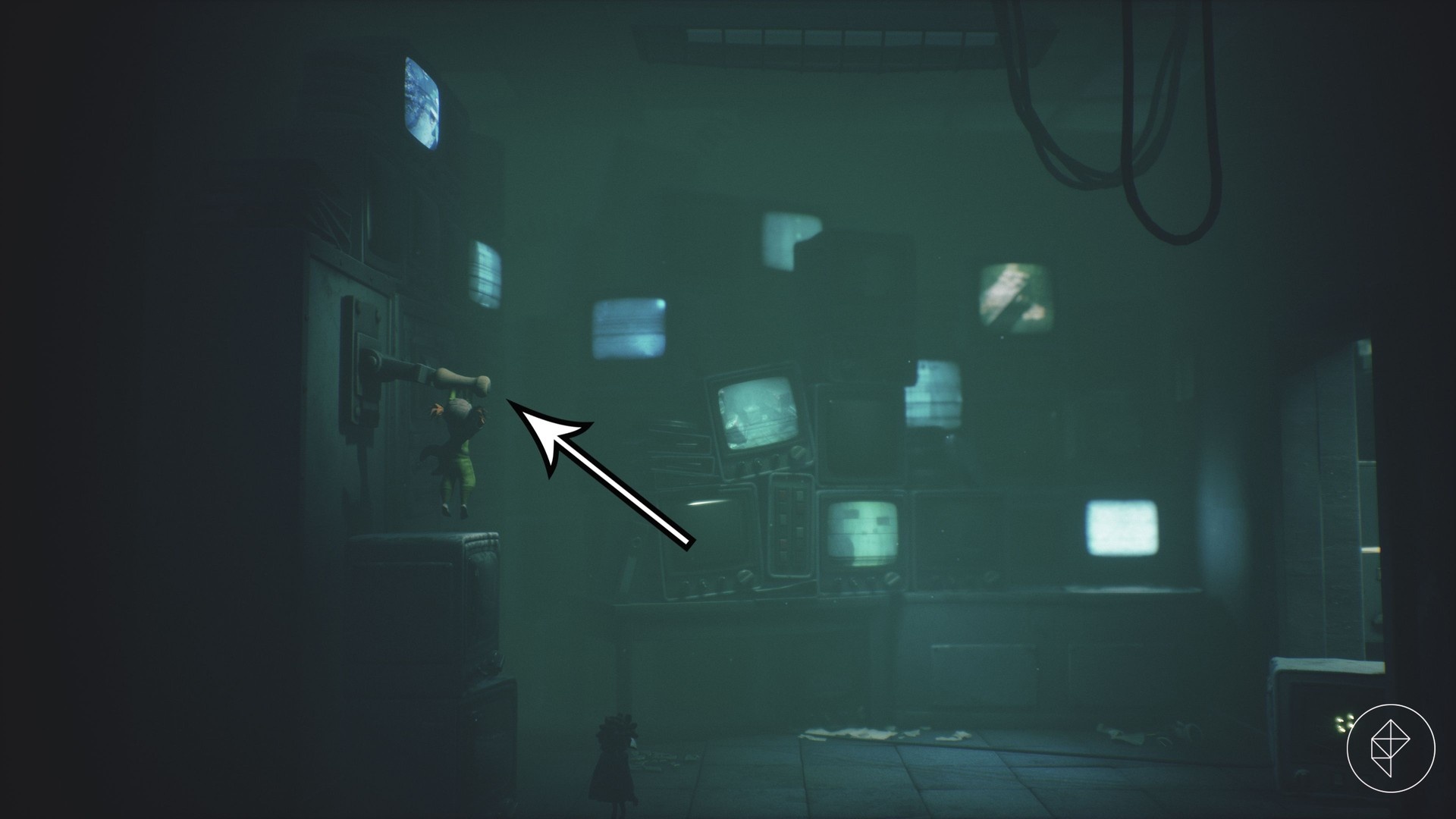
After switching off the camera, return to the original area and proceed through the doorway freely. For best results, avoid lingering in the cameras’ view while teammates manipulate objects, and coordinate who moves when doors briefly open.