The Alters Scanner Guide: How to Quickly Find and Mine Every Resource Deposit
Looking to master the scanner in The Alters? Here’s a simple, step-by-step guide that’ll help you scan those all-important resource deposits like a pro. If you want to keep your crew alive and the base running, learning how to use Polygonal Scanners and Scan Waves is essential. So, let’s break down the process in a way that’s easy to follow and full of useful tips!
- How to find and identify resource deposits
- How to place Polygonal Scanners for the best results
- How Scan Waves work and when to use them
- What to do if you’re low on energy
- Key tips for efficient scanning in The Alters
How to Find Resource Deposits in The Alters
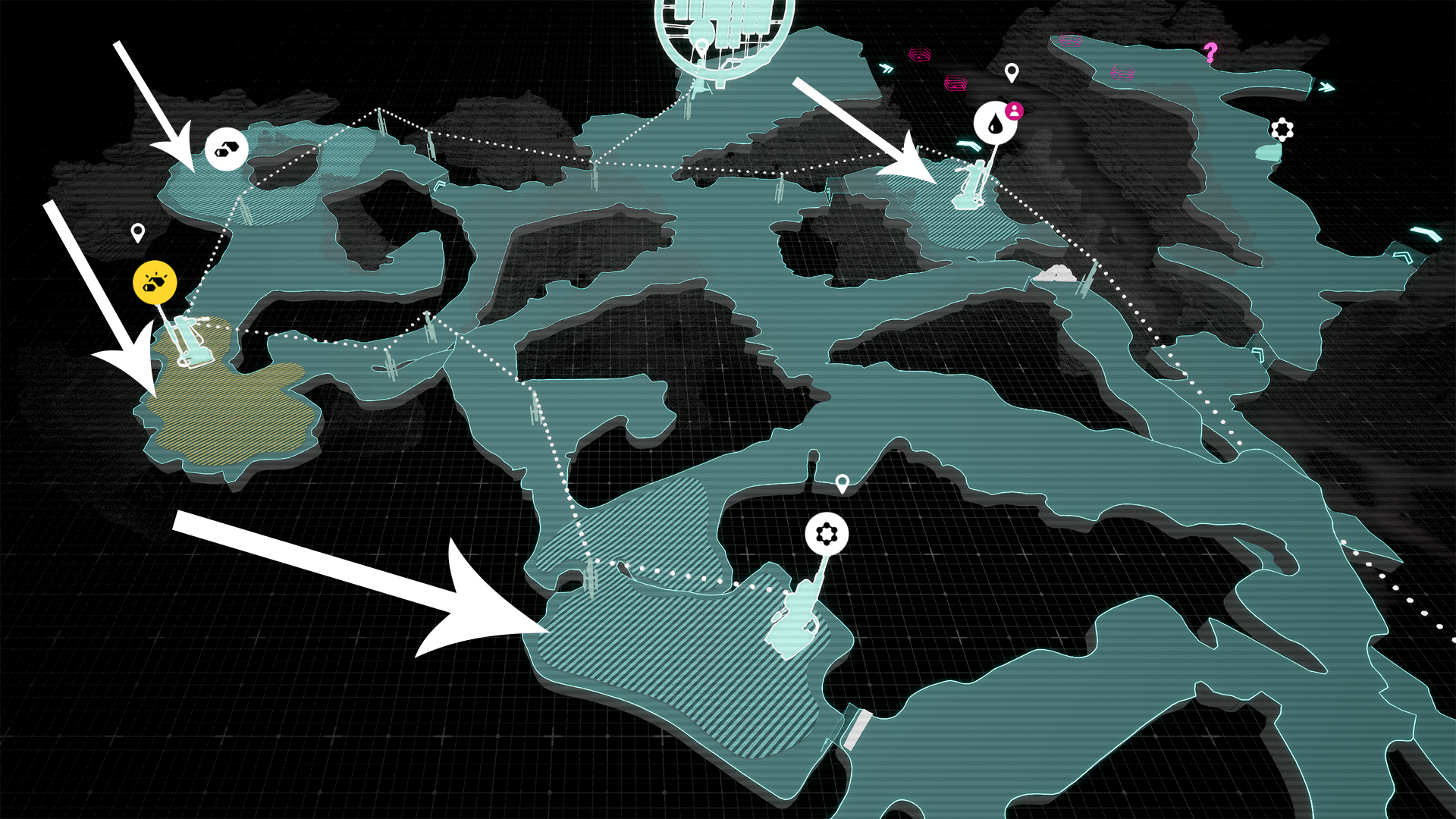
First up, you need to explore the map and find resource deposits. These will show up as striped areas, and there can be several of them. Just walk around, and as soon as you discover a deposit, it’ll be marked on your map. Hover over a deposit to see what kind of resource it contains: Organics, Metals, Minerals, or Rapidium.
Setting Up Polygonal Scanners
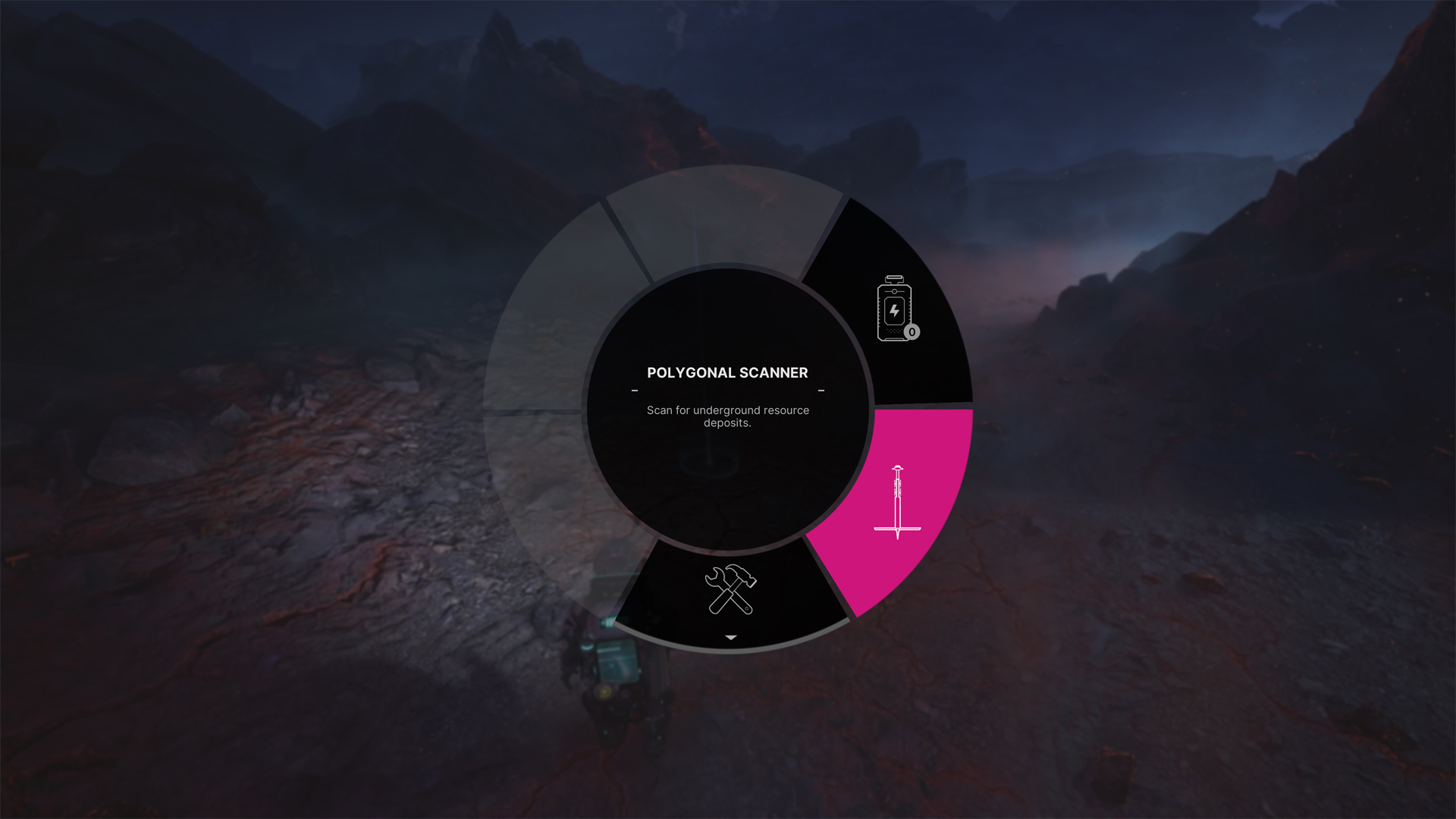
When you’re ready to mine, stand in the middle of the deposit and equip your Polygonal Scanners (you should have unlocked these during the prologue).
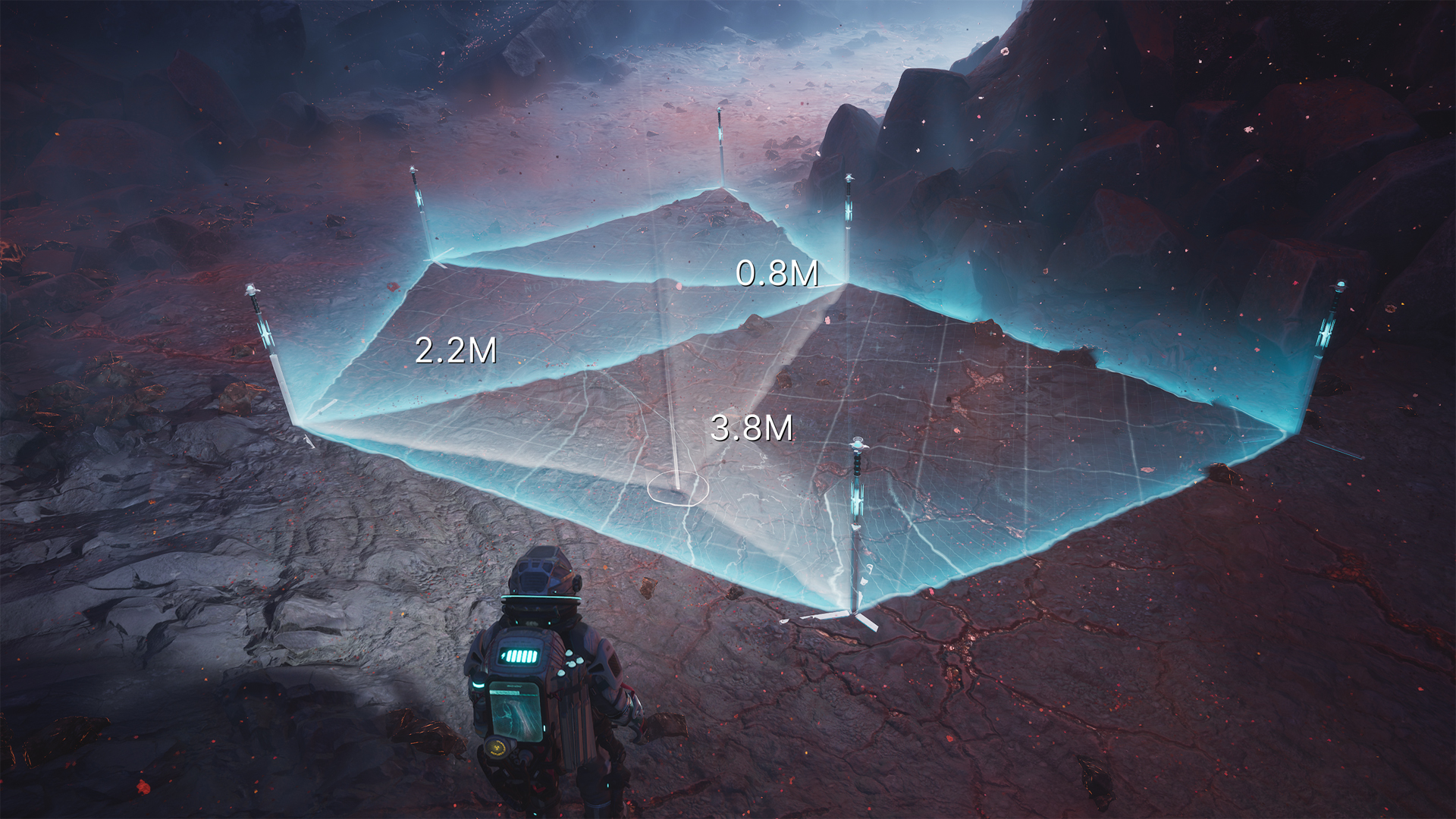
Place up to six Polygonal Scanners in a circle (or as close as you can manage) within the deposit’s boundaries. The scanners will automatically start analyzing the ground. If you’re lucky and hit the deposit core on your first try, a marker will pop up to show you exactly where to build your Mining Outpost.
What If You Don’t Find the Core Right Away?
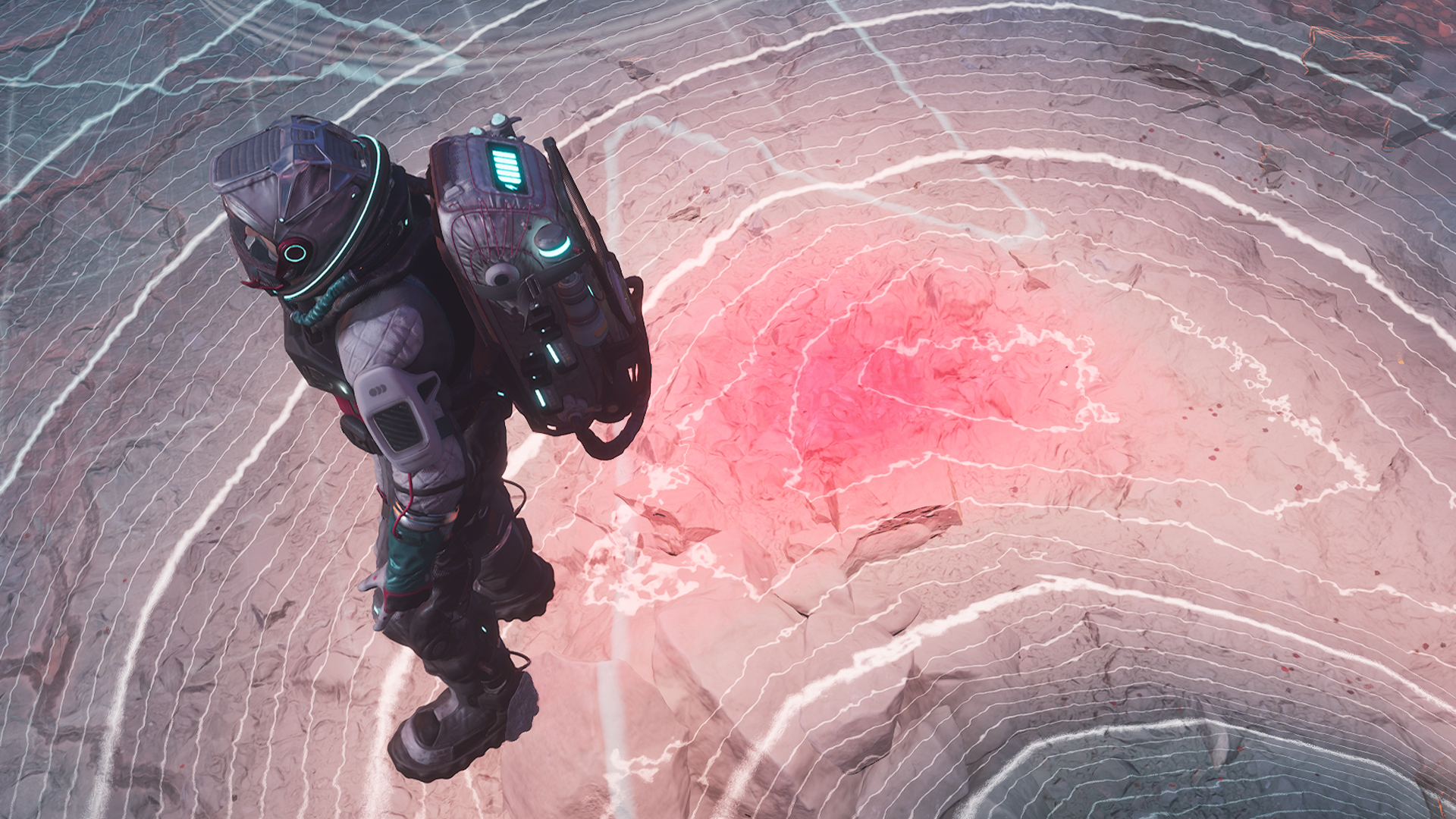
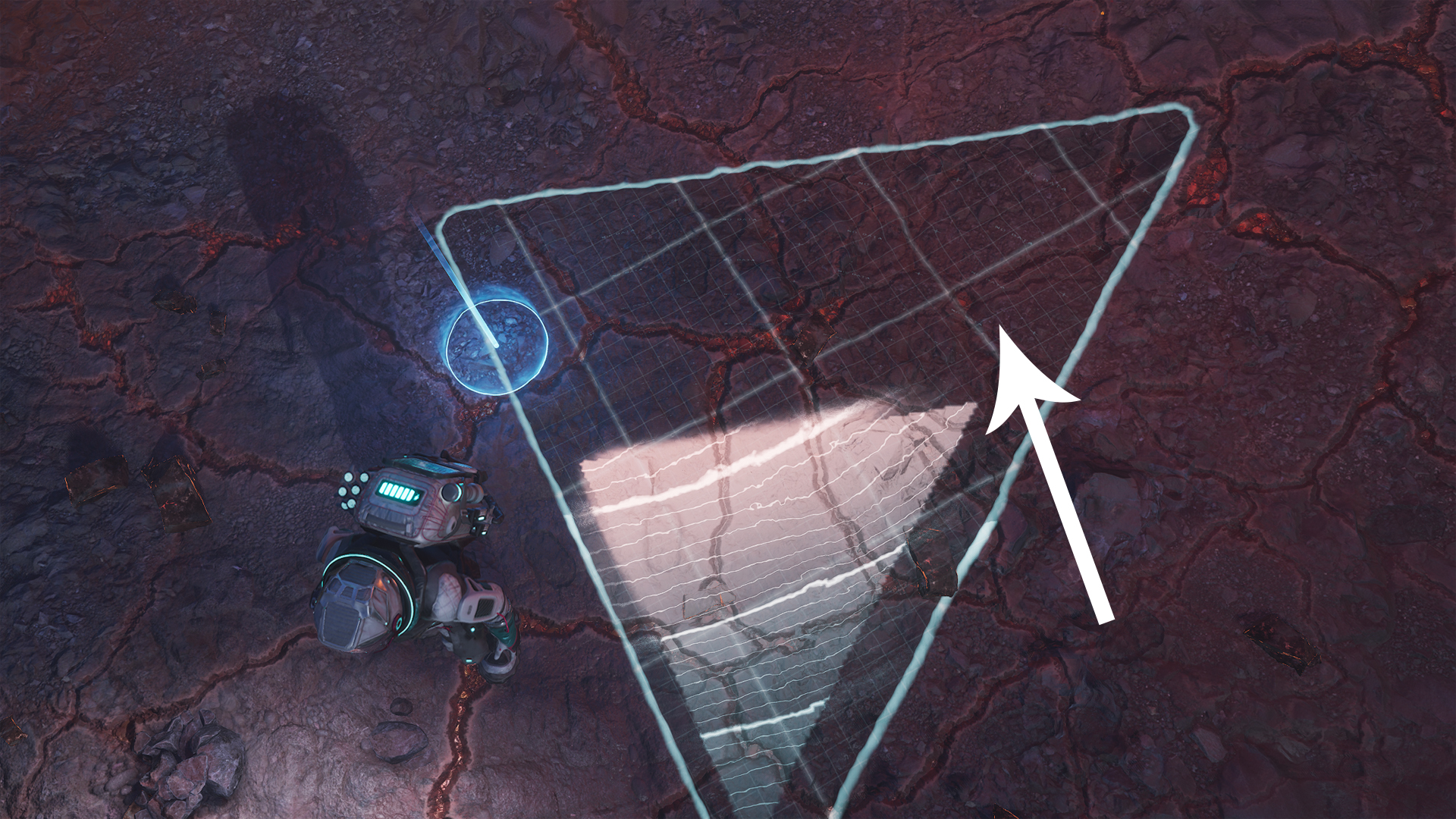
No worries! Just pick up your Polygonal Scanners and try again. Here’s a trick: watch for color changes in the ground—the more reddish it looks, the closer you are to the core. Move your scanners toward that spot for your next attempt. In the image below, the arrow points you in the right direction based on color.
Using Scan Waves for Extra Help
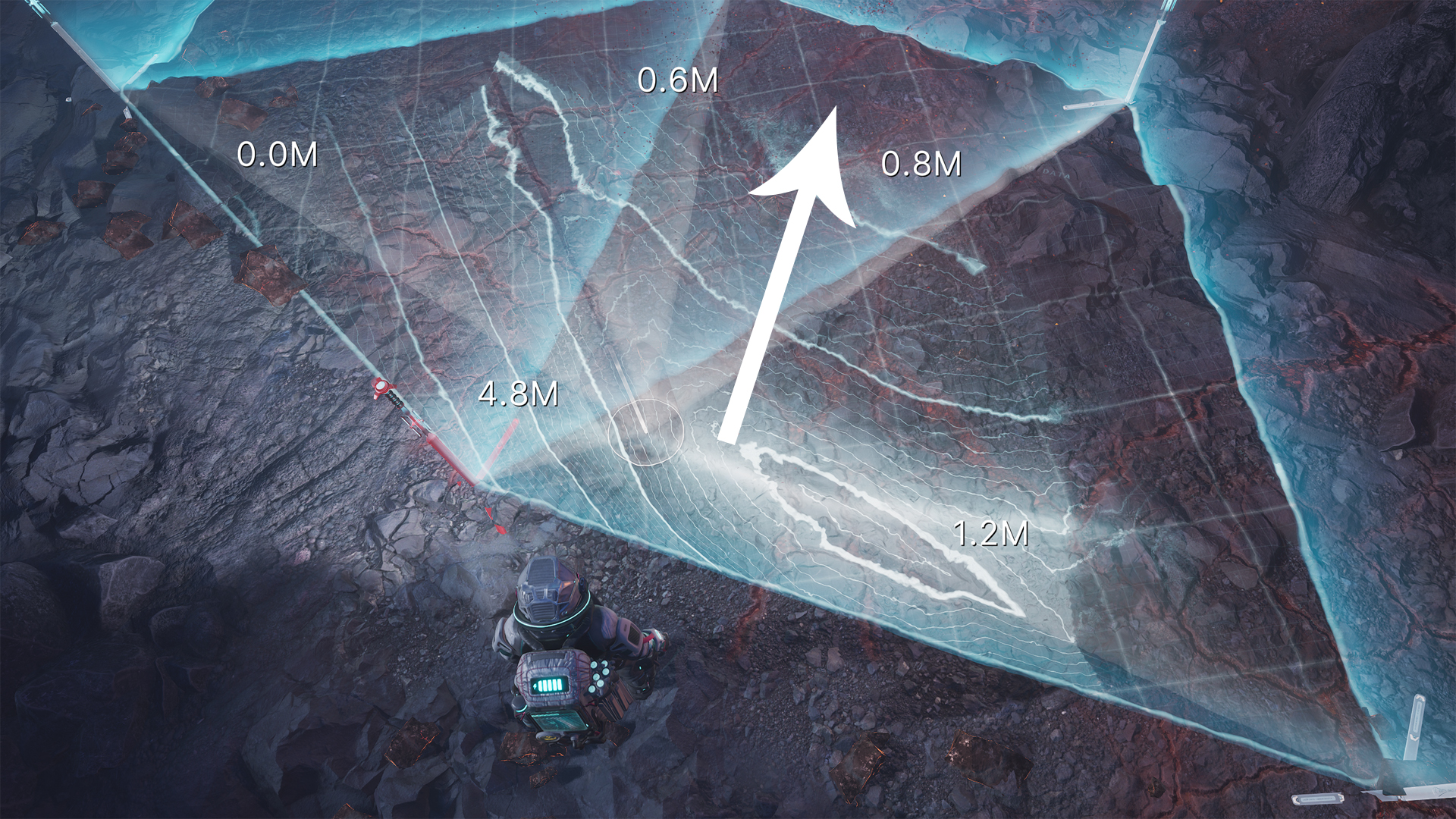
Scan Waves, unlocked at the start of Act 1, make things even easier. After placing your Polygonal Scanners, hit the Scan Wave button and look for moving lines on the ground. These lines point straight to the deposit core, so follow them with your next scanner placement. In the example below, a thin white line moves upwards—head that way!
Key Tips for Scanning in The Alters
- Keep your scanners close: Only Polygonal Scanners within 5.5 meters of each other will connect. Watch the distance as you move around.
- Scan Waves use energy: Each Scan Wave costs 1 energy. If you’re low on batteries, use them wisely—try to scan large areas at once.
- No energy? No problem! The Scan Wave is optional. If you run out, rely on the reddish ground clue to keep searching.
Mastering the scanner system in The Alters is all about patience and observation. With these tips, you’ll be mining like a veteran in no time. Good luck out there!