The Xbox Ally X Tried to Be a Console and a PC — and Windows Keeps Tripping It Up
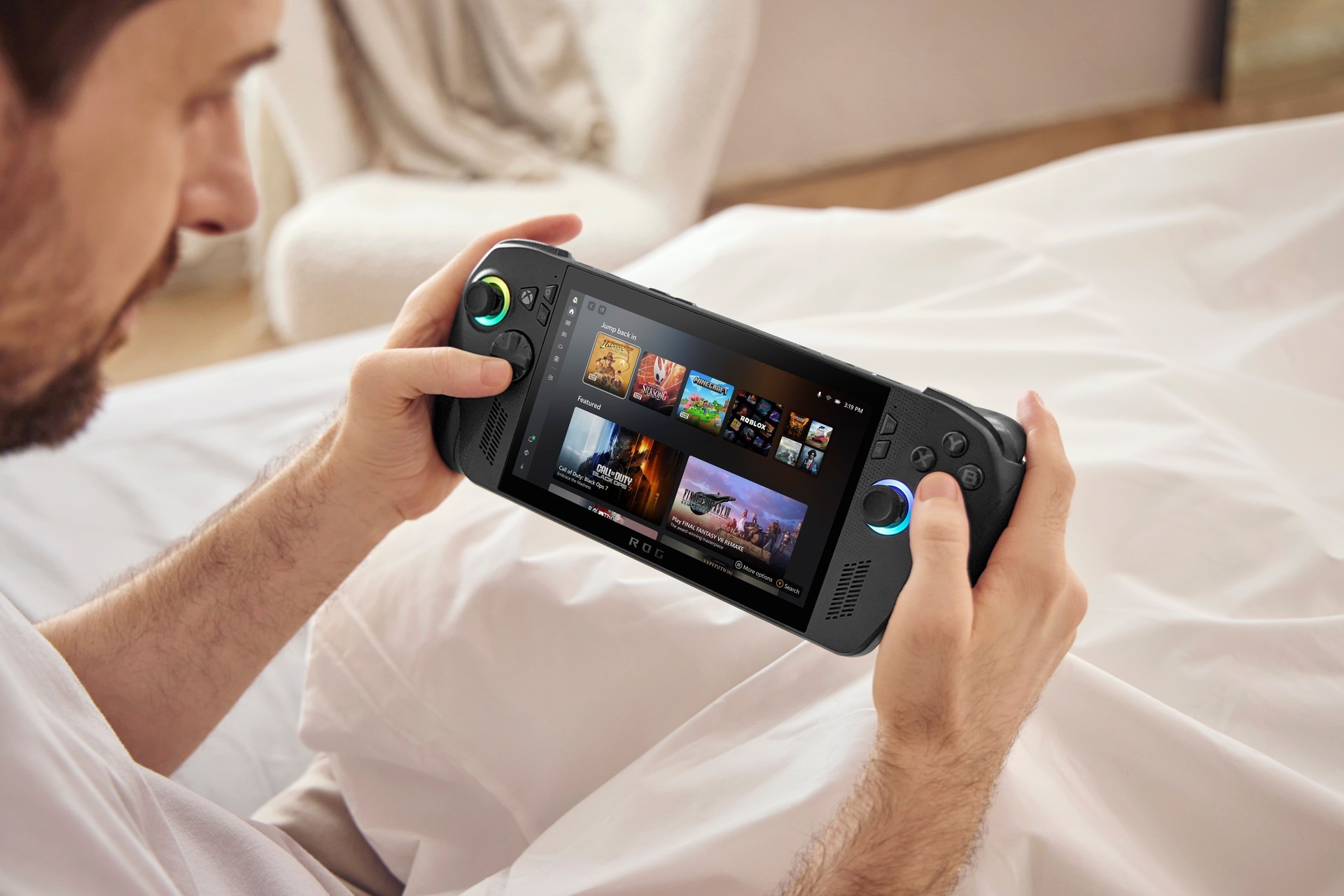
The ROG Xbox Ally X is a Windows-based handheld made by Asus that wears Xbox branding and runs a new console-like front end called the Xbox full screen experience. It comes in two models: the $600 ROG Xbox Ally and the $1,000 ROG Xbox Ally X review unit, and it aims to bring PC game libraries and Xbox services together on a portable device.
Overview
The Ally is a Windows PC in handheld form. Consequently, it does not play Xbox console games natively unless those titles also have compatible PC versions through Xbox Play Anywhere. Instead, it runs Windows game launchers and PC versions of games. The Ally X model reviewed includes an AMD Ryzen Z2 Extreme processor, 24 GB of RAM, and 1 TB of storage, with a 1080p, 120 Hz screen that supports variable refresh rate.
Design and build
The device is heavier and thicker than some rivals, and uses plastic and visible lighting elements in its styling. It has full grips inspired by Xbox controller ergonomics. The build is described as robust, but the materials and styling are not premium-feeling compared with some competitors.
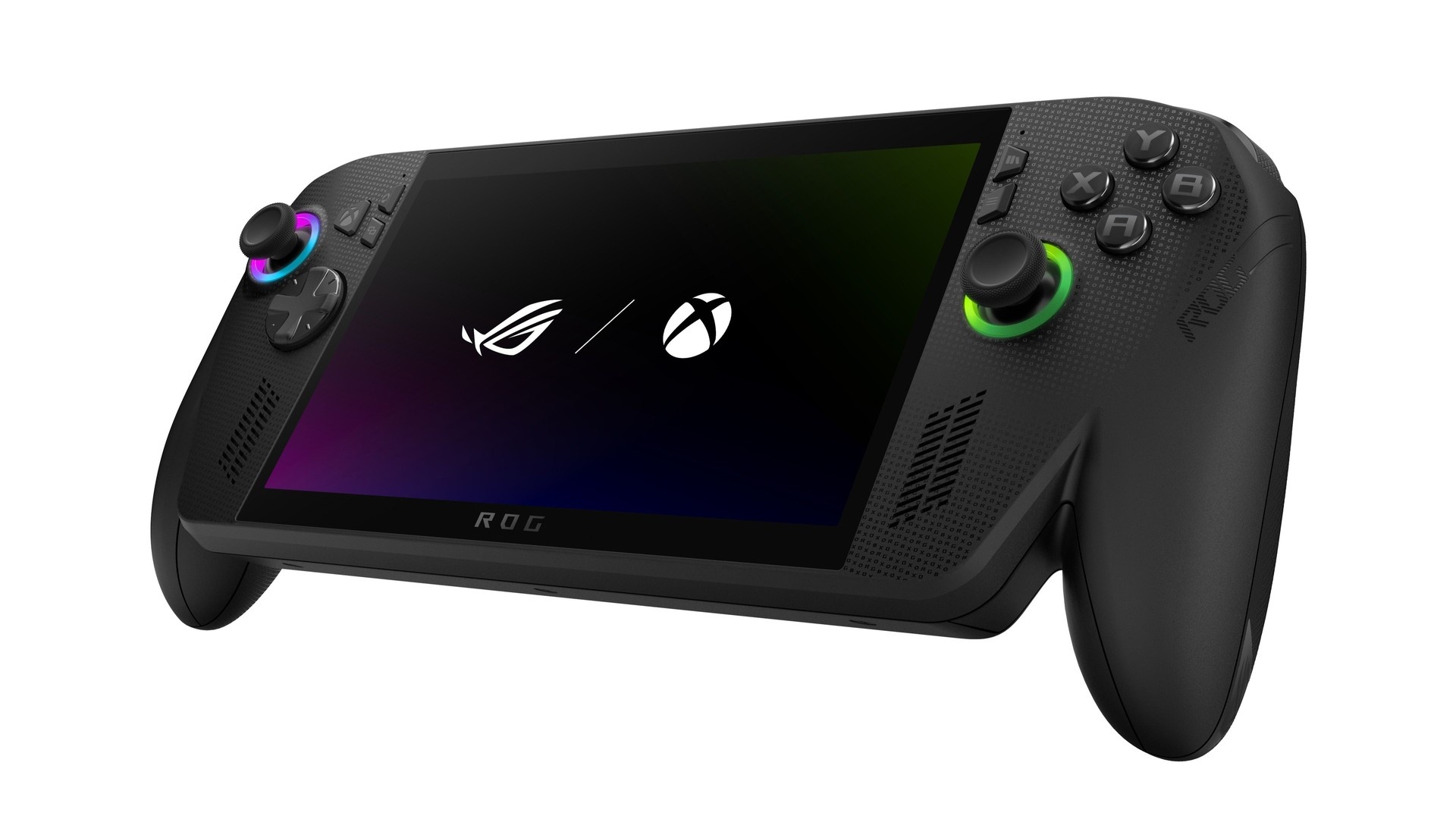
The lower-priced $600 Ally is a closer match to mid-range Steam Deck OLED specs, while the Ally X targets higher performance with its upgraded CPU and RAM. The two models share the same general layout and controls.
Performance
On default settings, well-optimized games ran smoothly in testing. For example, Diablo 4 and Doom: The Dark Ages often exceeded 70 frames per second, while Forza Horizon 5 averaged around 60 fps with occasional minor drops. Indiana Jones and the Great Circle ran at 30 fps.
However, some recent releases struggled to hold frame targets on default settings. Avowed and Clair Obscur: Expedition 33 ran in the high 20s at times, and Forza Motorsport averaged about 31 fps in a benchmark. By comparison, the same Forza Motorsport benchmark returned about 50 fps on a four‑year‑old Razer Blade laptop used for comparison. These results indicate the Ally X can handle many titles well, but does not consistently hit higher frame targets for all recent AAA releases without tuning settings.
Software and interface
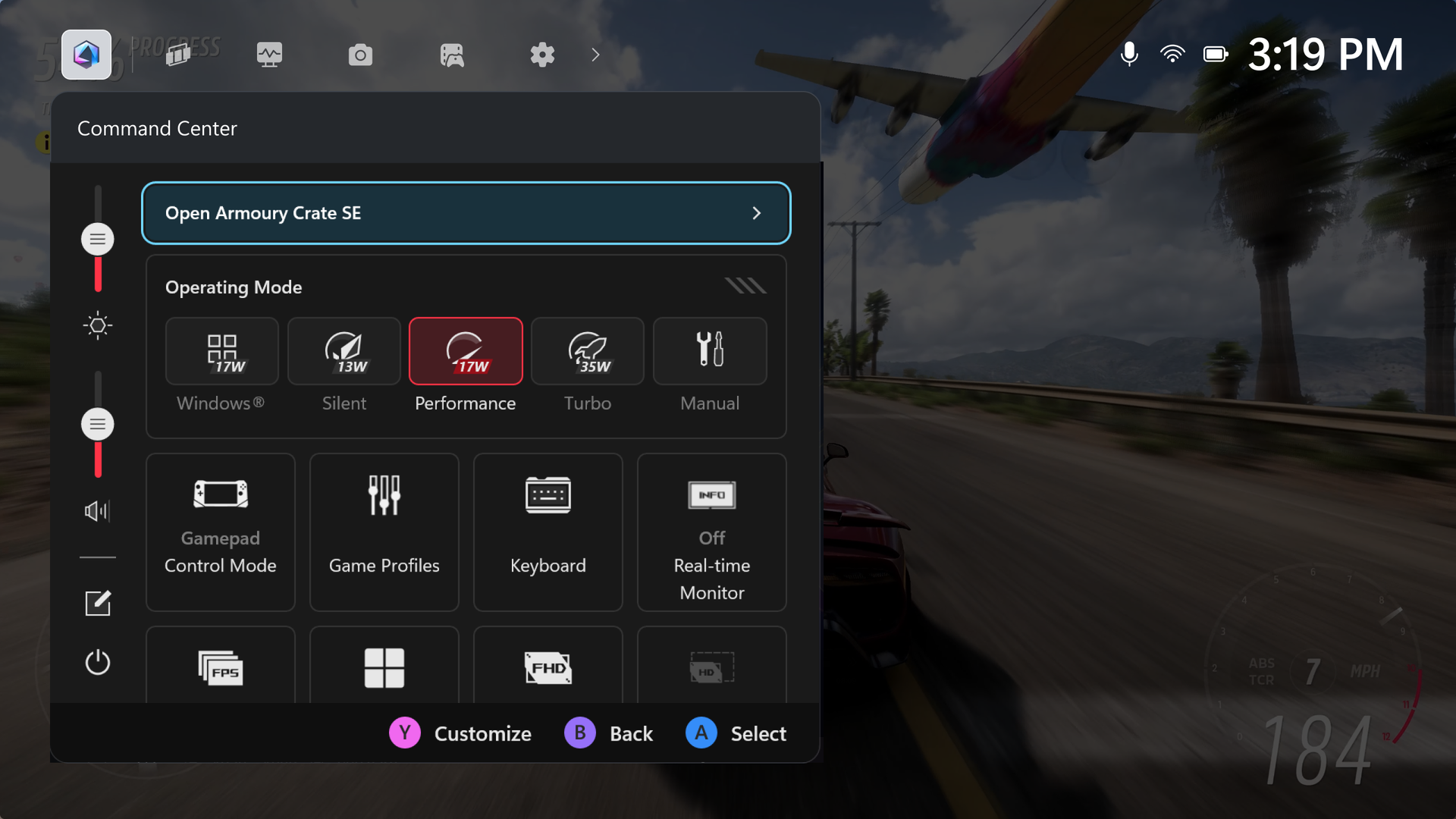
The Ally boots into the Xbox full screen experience, which is a Windows application designed to act like a console front end. Because the device runs Windows, it also supports installing other launchers; links to install Steam, Battle.net, the Epic Games Store, GOG, and others appear in the device’s “My apps” section.
In practice, the Xbox front end reduces how much of Windows runs in the background, which can help performance and battery life. Nevertheless, the device still relies on Windows for many functions. Testers observed occasional hangs, pop-ups, and slower responsiveness compared with native console UIs and SteamOS front ends. The Ally also uses a fingerprint sign-in on the power button that was reported as sometimes unpredictable, and Windows-style lock screens and notifications remain visible at times.
Library and compatibility
Because the Ally runs Windows, it can access a wide range of PC stores and services. Once other launchers are installed, games from those launchers appear in the Xbox front end so a user can launch titles from a single library view. The device also supports:
- Game Pass catalog access
- Cloud streaming for some Xbox titles
- Streaming from an Xbox console on the same network
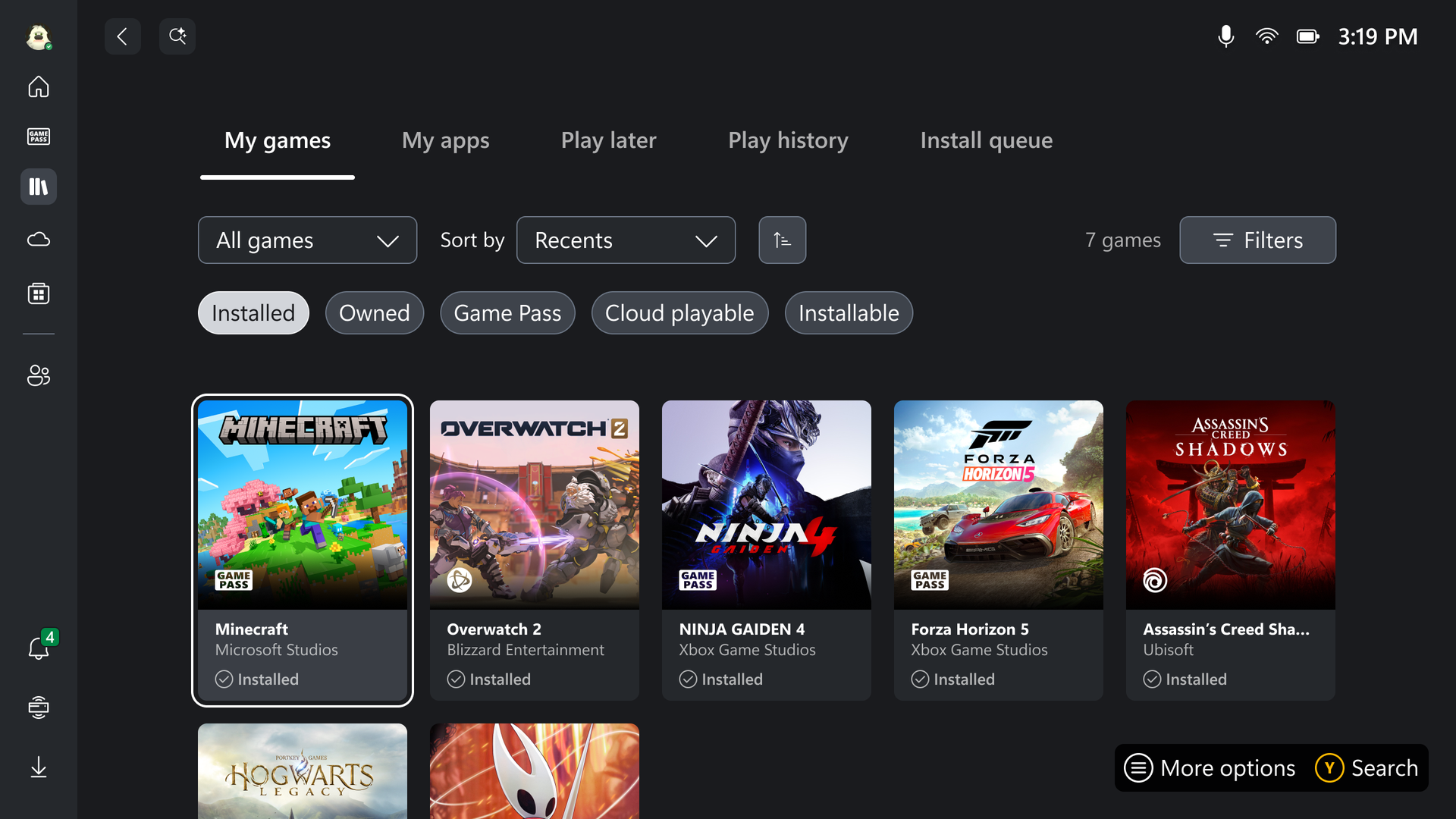
Xbox Play Anywhere-compatible titles, which are intended to work across PC and Xbox with shared saves, are part of the compatibility story. The Ally can resume Play Anywhere save data and Game Pass play sessions as long as the game has a compatible PC version or cloud support.
Thermals, audio and ergonomics
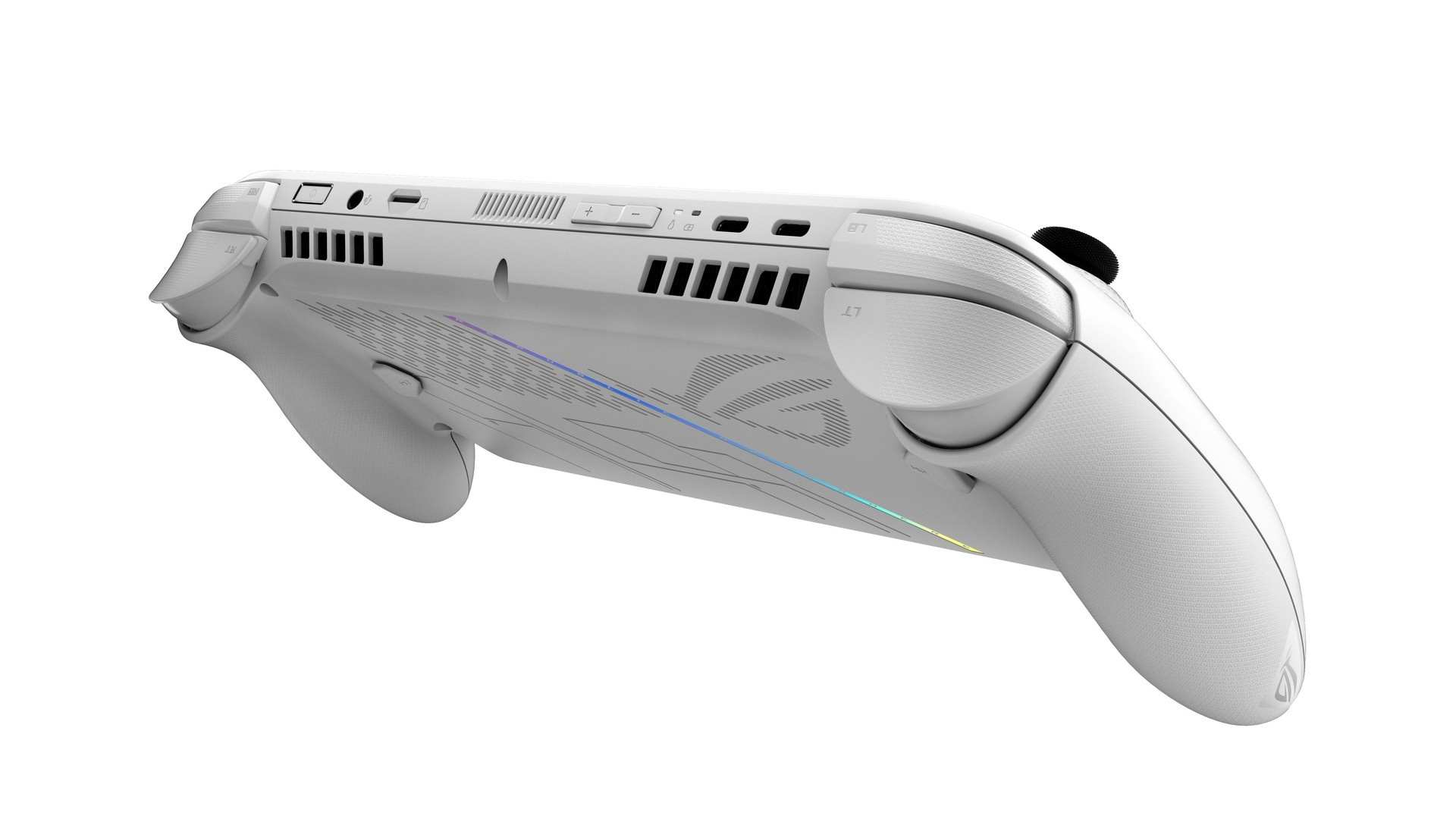
The Ally X has noticeable ventilation and runs quieter than a Steam Deck in these tests. Fans were active under heavy load, but did not appear to be excessively stressed. The speakers are loud, though the sound balance emphasizes the midrange and lacks stronger treble and bass.
Ergonomically, the controls and grip layout are rated positively: the full Xbox-style grips and the button/stick placement were comfortable for extended play. However, the programmable back buttons are small and placed far enough back that they were awkward to use for some testers.
Final notes
The ROG Xbox Ally X is a Windows handheld that brings console-style navigation and wide PC compatibility together. In testing, it offered clear benefits: direct access to multiple game launchers, Game Pass integration, and good ergonomics. At the same time, it showed limitations: challenging results on some modern AAA titles at default settings, Windows-related UI and stability issues, and a high price point for the performance delivered.
Ultimately, the Ally X represents a concrete step toward platform-agnostic handheld gaming on Windows, while also highlighting areas where the software and performance experience still needs improvement.