Throw Any Weapon in Dying Light: The Beast — Kill Zombies from Afar and Pick Your Axe Back Up
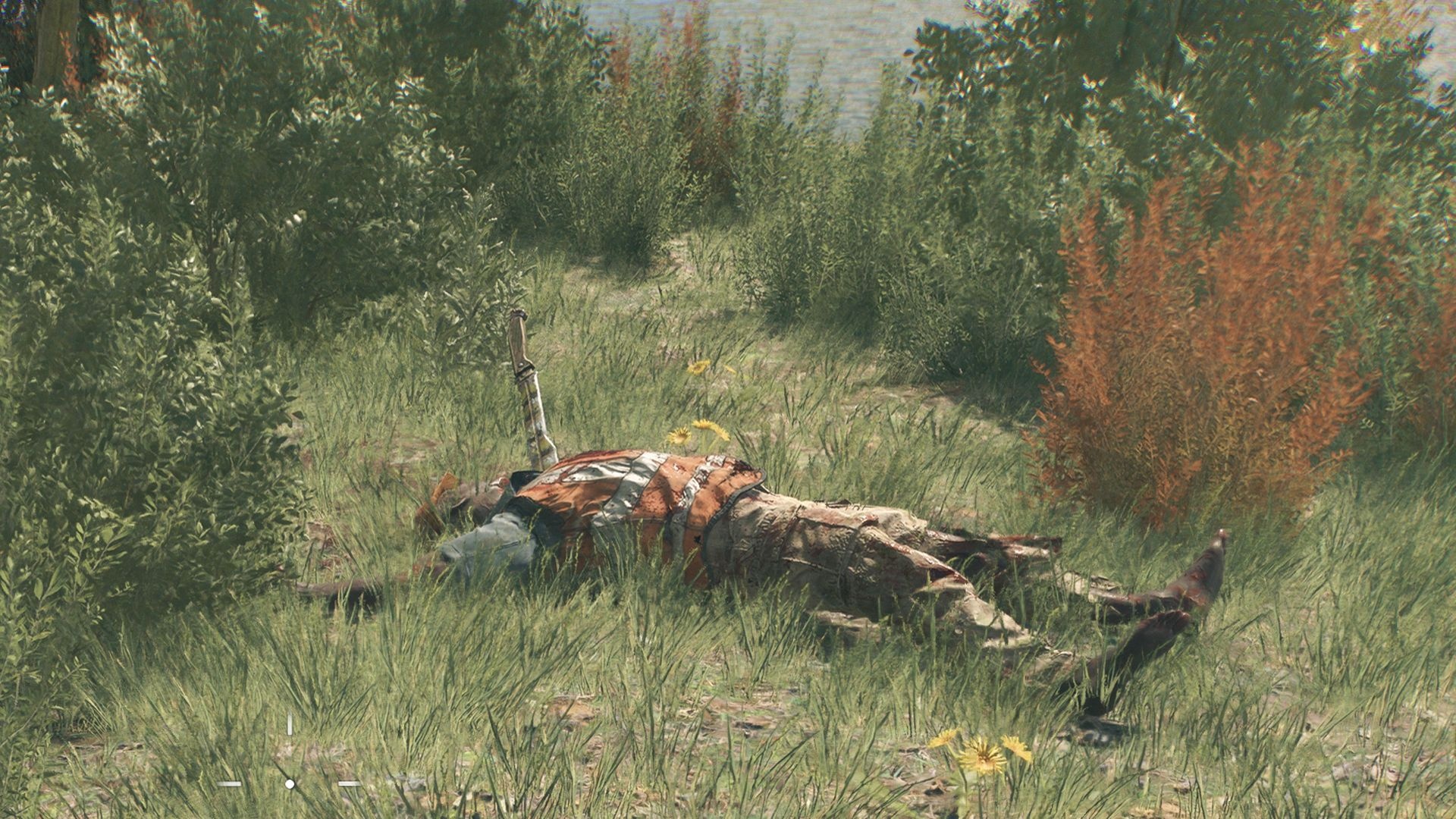
Throwing your melee weapon in Dying Light: The Beast is a handy trick that keeps you out of reach and still dishes out solid damage — and yes, the game doesn’t exactly make it obvious. Below you’ll find the quick controls and when it’s smart to hurl that axe or machete instead of bashing.
How to throw weapons in Dying Light: The Beast
First, note that the settings are a little confusing: the keyboard section lists a “weapon throw” option (press F), but the controller section doesn’t mention it at all. Despite that, throwing works on both PC and controller — you just have to *charge* the attack first.
On PC, hold the left mouse button to charge a strong attack, aim at a zombie (head shots are ideal), then press F while still holding the left click and release the mouse button to send the weapon flying.
On controller, charge the attack by holding RB (or the equivalent attack trigger), aim, then press the right stick to throw.
If you want to use stocked throwables — grenades, molotovs, or throwing knives — use the mouse wheel click on PC or LB on controller to equip and toss them instead.
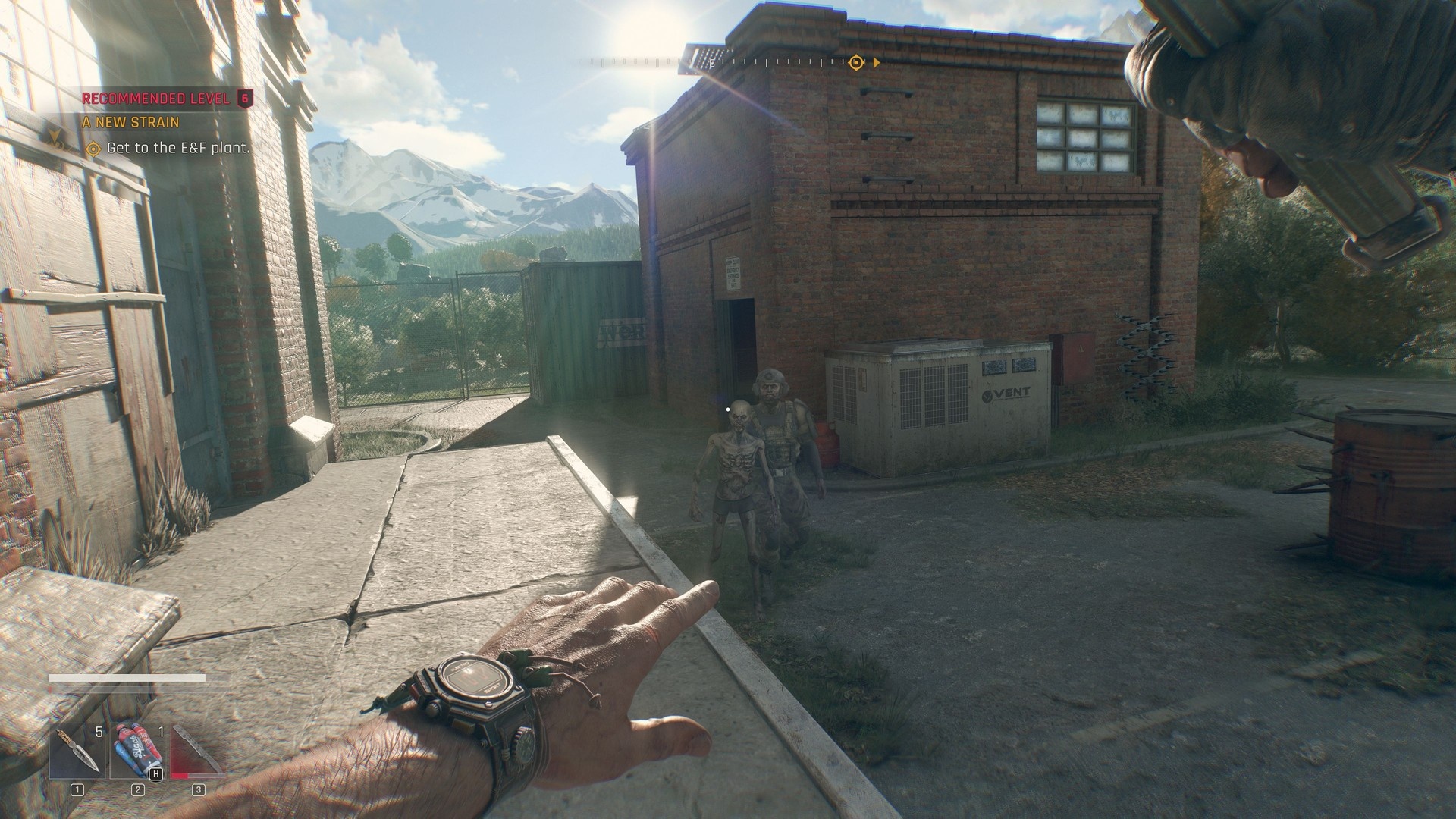
When to throw weapons in Dying Light: The Beast
Throwing is useful when you want to deal decent damage while staying just out of reach. It’s especially handy against single targets or when you need to interrupt a grab without closing the gap.
Importantly, throwing a weapon does *not* permanently lose it. After you throw it and kill (or down) a zombie, you can run up and pick the same weapon back up. However, like any attack, the weapon’s durability will still drop over time, so don’t throw your best piece endlessly without expecting wear.
Quick tips
– Use a charged throw for maximum distance and damage.
– Aim for the head when possible to maximize kill potential.
– Reserve throwables for crowd control or when you need an instant effect (fire, blast, etc.).