Unlock Hidden Creativity: How to Access and Master DK Artist Mode in Donkey Kong Bananza
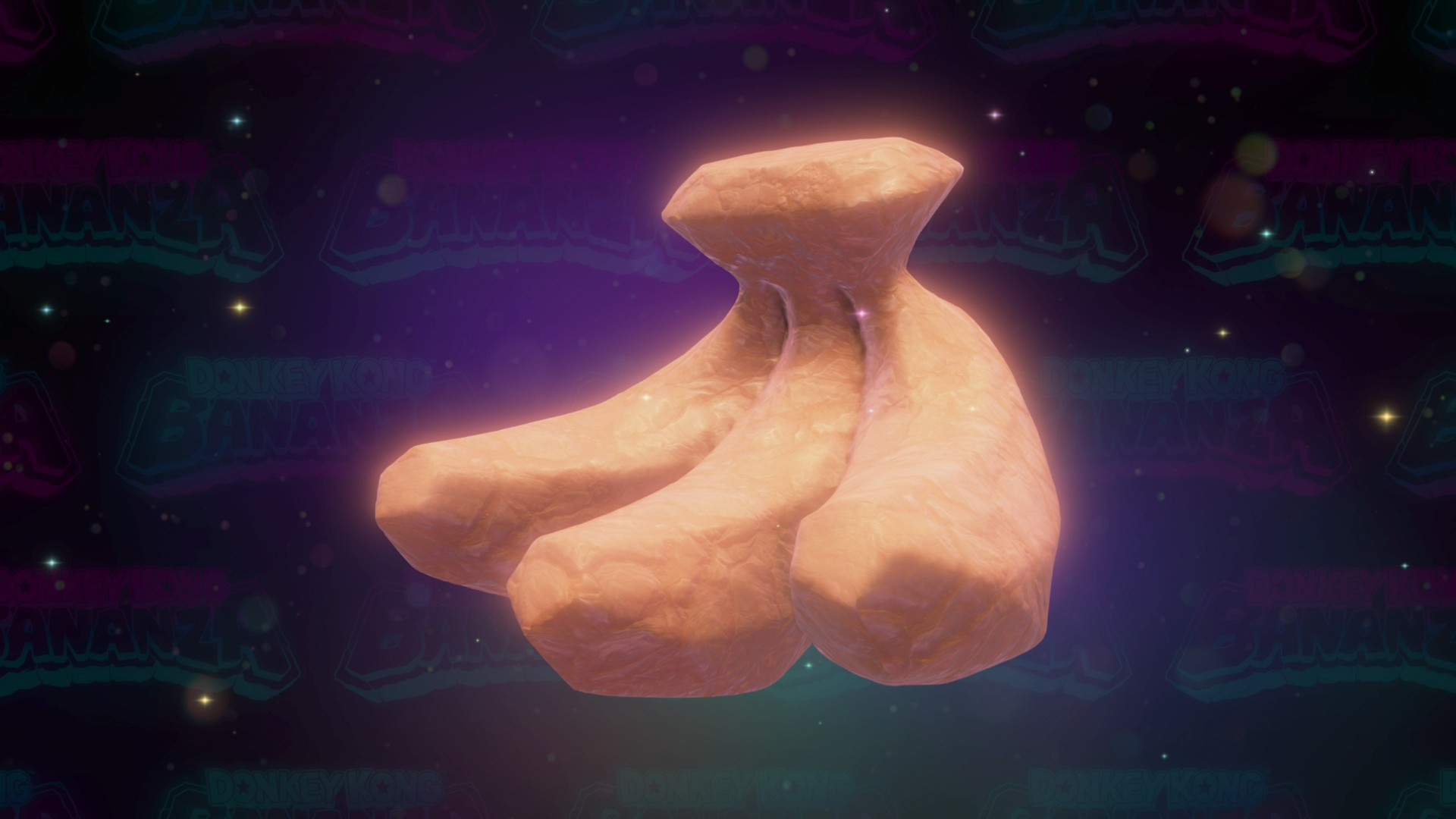
Discover DK Artist Mode in Donkey Kong Bananza
If you’re looking for a fresh twist in Donkey Kong Bananza, the DK Artist Mode is a hidden gem that lets you unleash your creativity beyond the usual platforming and collecting. This secret mode transforms the game into a fun sculpture and painting experience using the Nintendo Switch 2’s mouse controls or any control scheme you prefer.
- How to access DK Artist Mode from the title screen
- Controls and tools available for sculpting and painting
- Tips for using camera and color options
How to Access DK Artist Mode
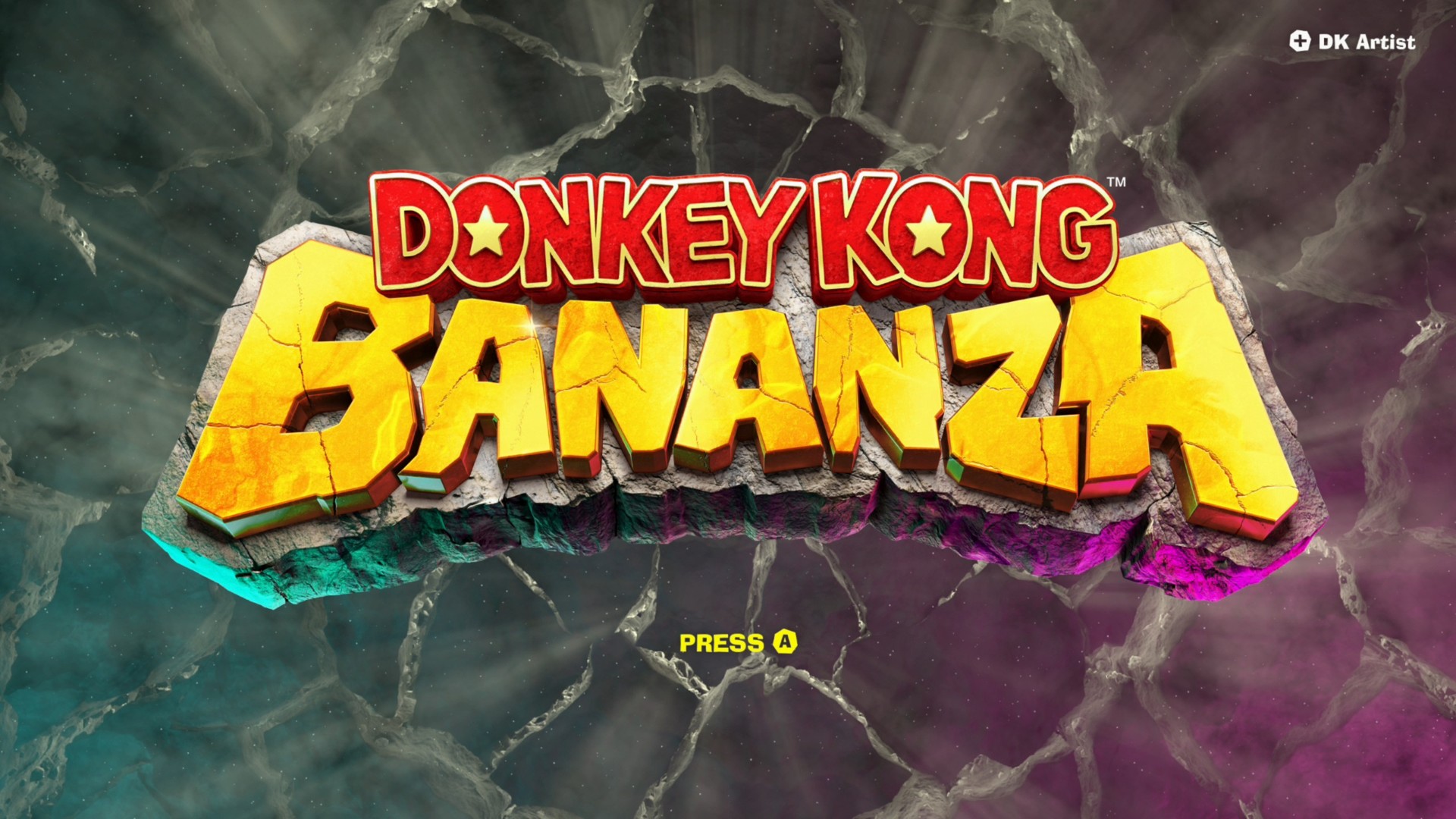
You won’t find DK Artist Mode while playing the main game. Instead, it’s only accessible from the title screen. If you’re already in the game, just press the “+” button to open the save data menu and return to the title screen. Once there, instead of pressing a face button to start or continue, hit the “+” button again to enter DK Artist Mode. You’ll also spot this option in the top right corner of the main menu.
Using DK Artist Mode – Tools and Controls
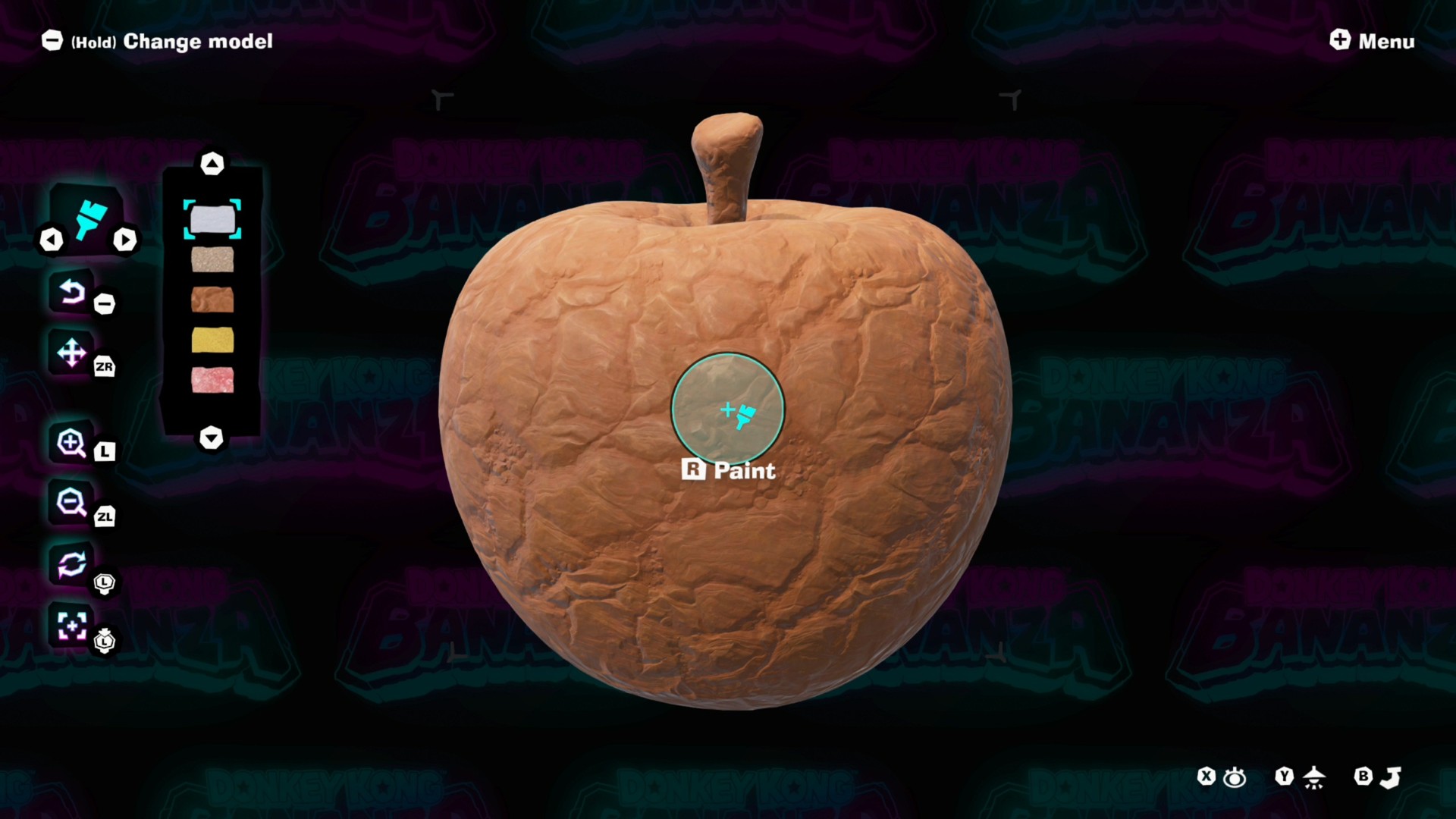
Once inside DK Artist Mode, you’ll get a random model to sculpt or paint. The mode is optimized for the Switch 2’s mouse, but any controller setup works just fine. Here’s a quick rundown of the controls:
- Left/Right D-pad: Switch tools
- Up/Down D-pad: Change colors
- Minus (-) button: Undo your last action
- ZR button: Move the canvas without moving the camera
- ZL button: Zoom out
- L button: Zoom in
- Click left stick: Reset camera position
- Move left stick: Rotate camera
- Plus (+) button: Open game menu to save or return to title screen
- R button: Apply current tool
- Face buttons (X, Y, B): Apply lighting and filters for screenshots
This setup gives you plenty of options to craft your own little masterpiece, whether you prefer sculpting or painting. Plus, you can tweak lighting and filters to get the perfect shot if you want to share your creation.
So, next time you need a break from the usual Donkey Kong action, dive into DK Artist Mode and let your artistic side shine!