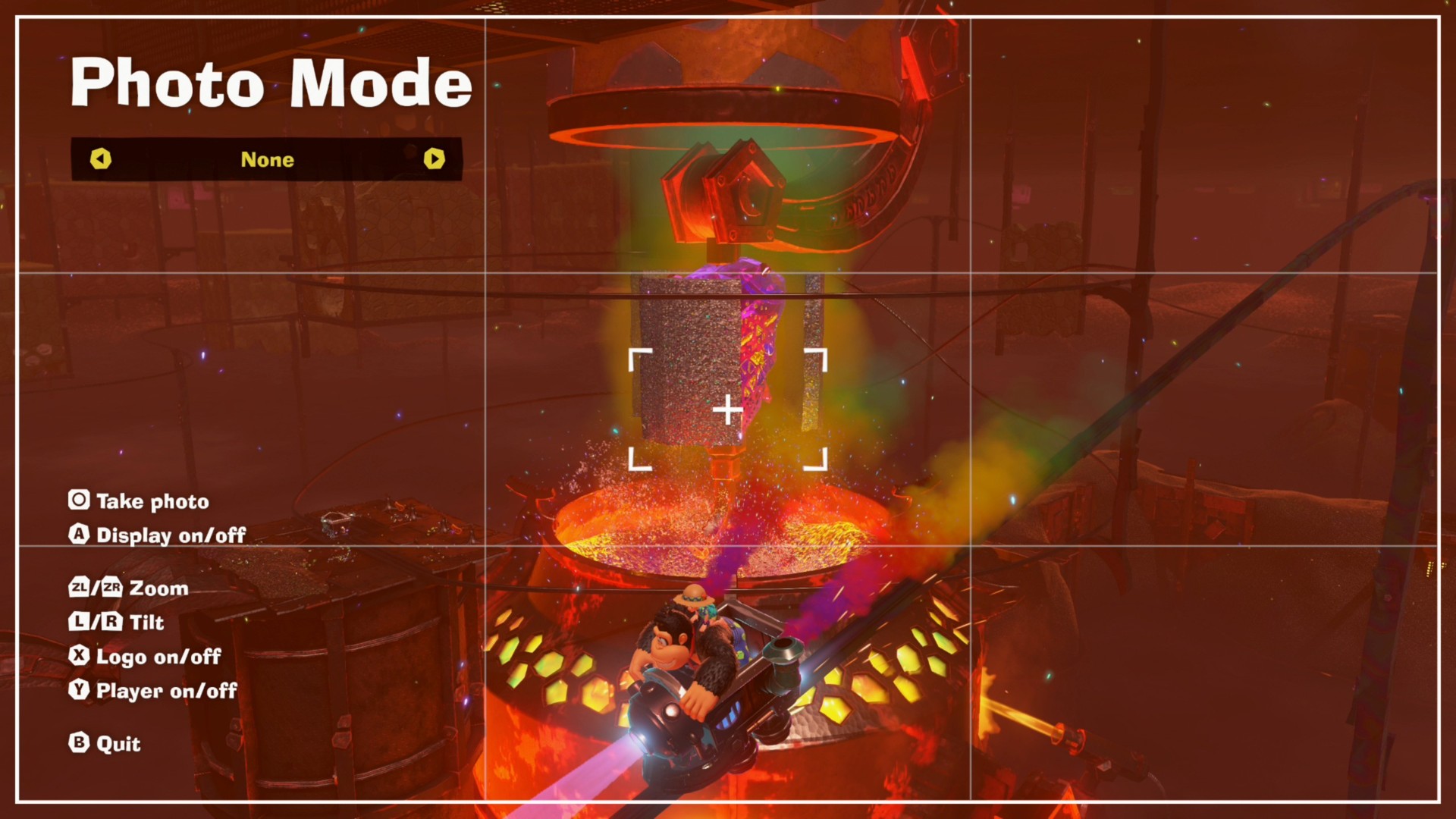
Unlock the Secrets of Donkey Kong Bananza’s Awesome Photo Mode – Snap Like a Pro!
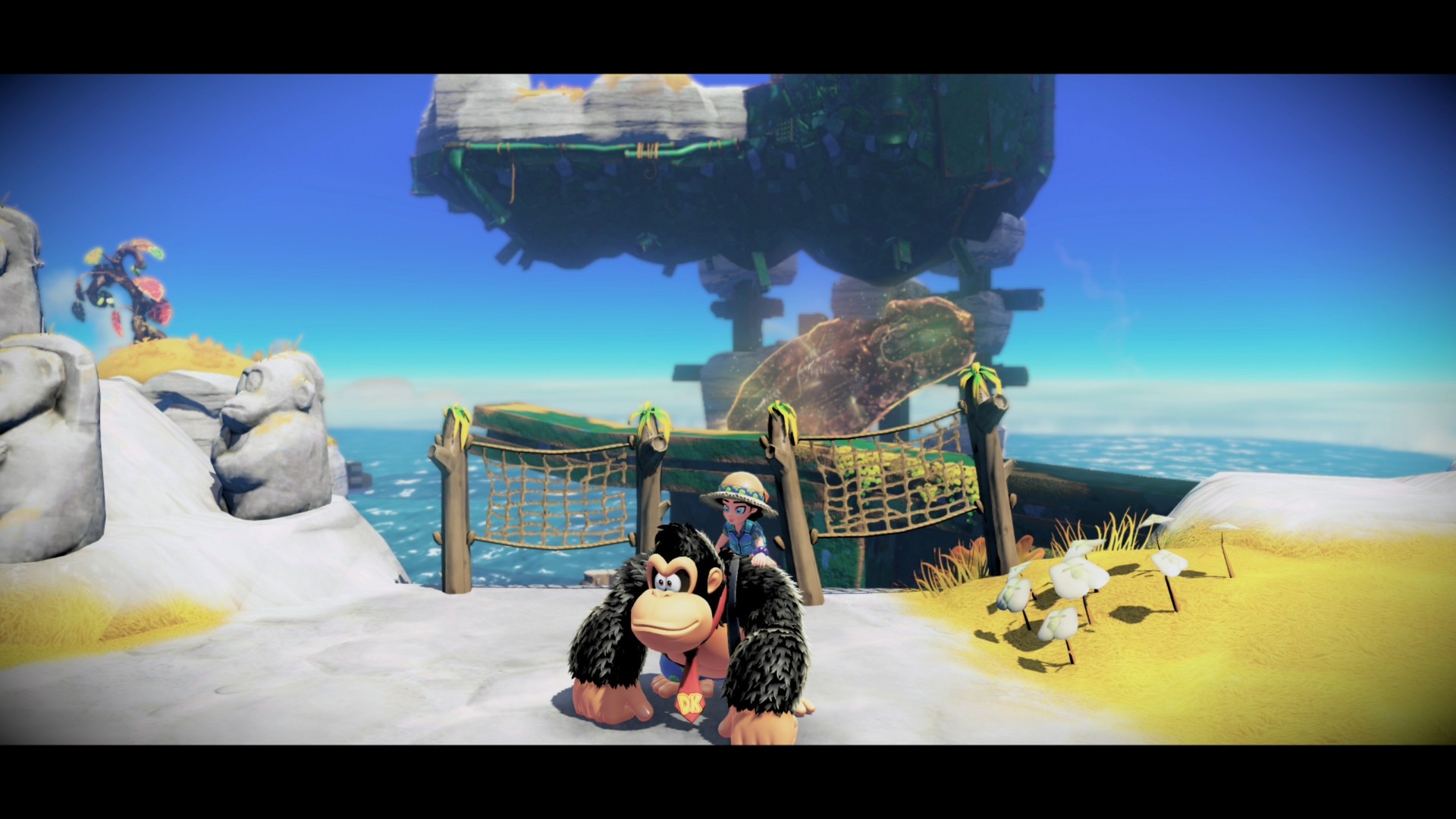
Donkey Kong Bananza brings a fresh twist to the classic platforming fun by adding a handy photo mode that lets you capture its vibrant world in style. If you love snapping cool in-game shots or just want to freeze those epic moments, this guide will walk you through everything you need to know about using photo mode in Donkey Kong Bananza.
- How to activate photo mode
- Key controls and features available
- Tips for getting the best shots
How to enter photo mode in Donkey Kong Bananza
Getting into photo mode is super simple. Just press down on the D-pad while playing, and the game will instantly pause, giving you full control to adjust your camera angle and focus. To snap a picture, hit the capture button located just below the D-pad. Your photos will be saved directly to your Switch 2 screenshot album, which you can easily access from the console’s Home menu. Keep in mind, photo mode is only available when you’re controlling Donkey Kong.
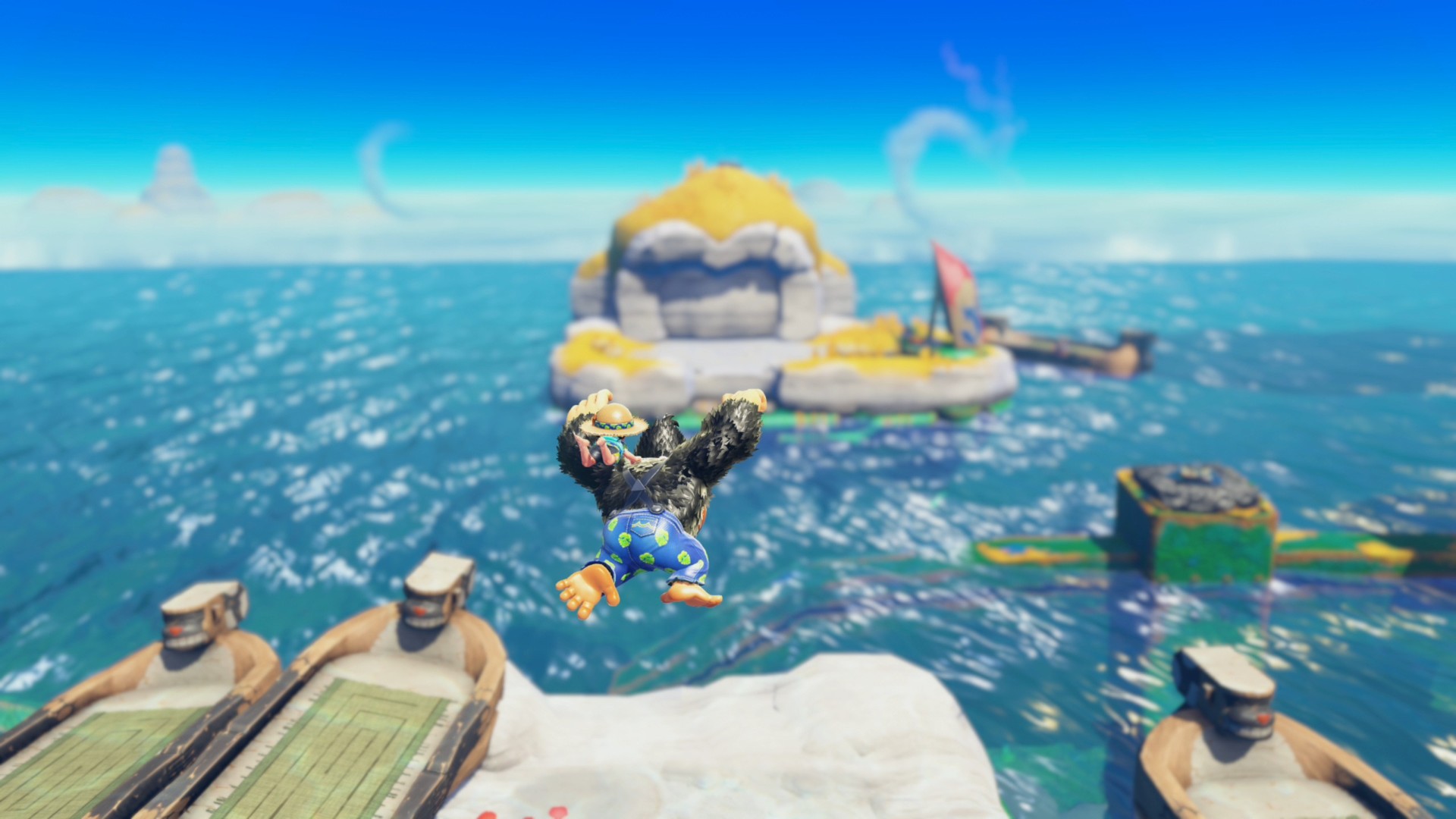
Photo mode features you’ll want to try
While Donkey Kong Bananza’s photo mode isn’t as complex as some big RPGs or open-world games, it still offers plenty of options to get creative with your shots. Here’s what you can do:
- Press A to toggle off the photo mode HUD, removing grids and control hints so you get a clean view.
- ZL and ZR zoom the camera out and in, perfect for framing your shot just right.
- L and R tilt the camera left or right, letting you create dynamic angles like Dutch tilts.
- X adds the game’s logo to your photo. Press it multiple times to move or resize the logo, even centering it for a bold look.
- Y hides Donkey Kong and Pauline from the frame, ideal for capturing just the stunning environments.
- Left and right D-pad buttons cycle through different filters to give your photos a unique vibe.
Although you can’t pose characters or enemies yet, these tools give you plenty of freedom to document your adventures and the beautiful scenes in the latest Donkey Kong release.