Xbox Game Pass Overhaul: PC Games Added to All Plans — Ultimate Price Jumps to $29.99
Microsoft announced changes to Xbox Game Pass on Oct. 1 that reshape what each tier includes and raise the price of the top plan. Below are the concrete facts about what changed, how the company is moving subscribers between plans, and exactly how you can check, change, or cancel your subscription.
- Xbox Game Pass changes, explained
- How to check your Xbox Game Pass tier
- How to change Xbox Game Pass tiers
- How to cancel your Xbox Game Pass subscription
Xbox Game Pass changes, explained
In short, Game Pass remains three tiers, but some names and inclusions changed. Specifically, Windows PC games are being added to every tier, and the top tier’s price increases. Also, Microsoft renamed two tiers: *Standard* is now Premium, and *Core* is now Essential</i
.
Here are the key facts:
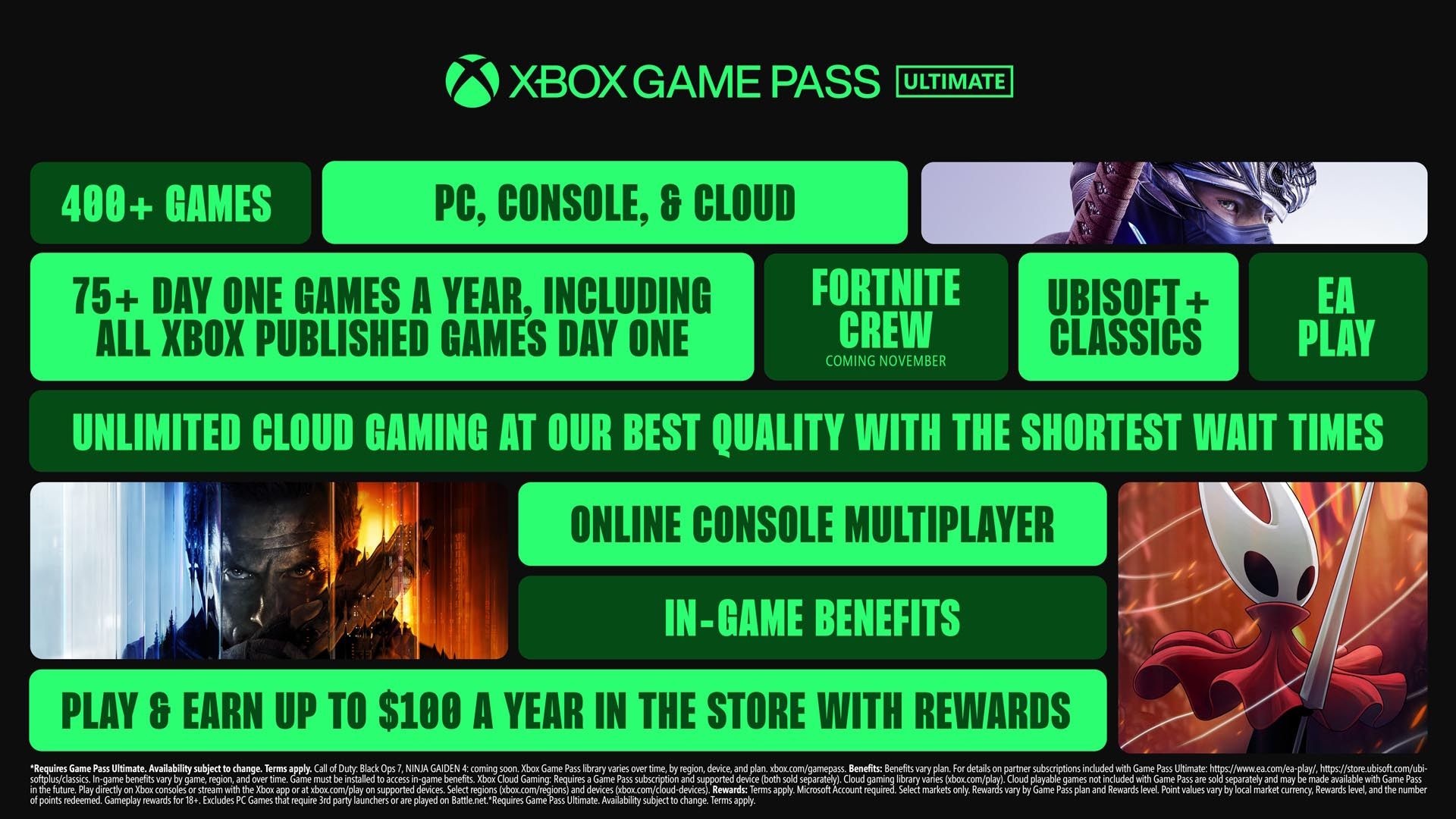
- Game Pass Ultimate now costs $29.99 per month (up from $19.99). It still includes day-one releases for Xbox-published games.
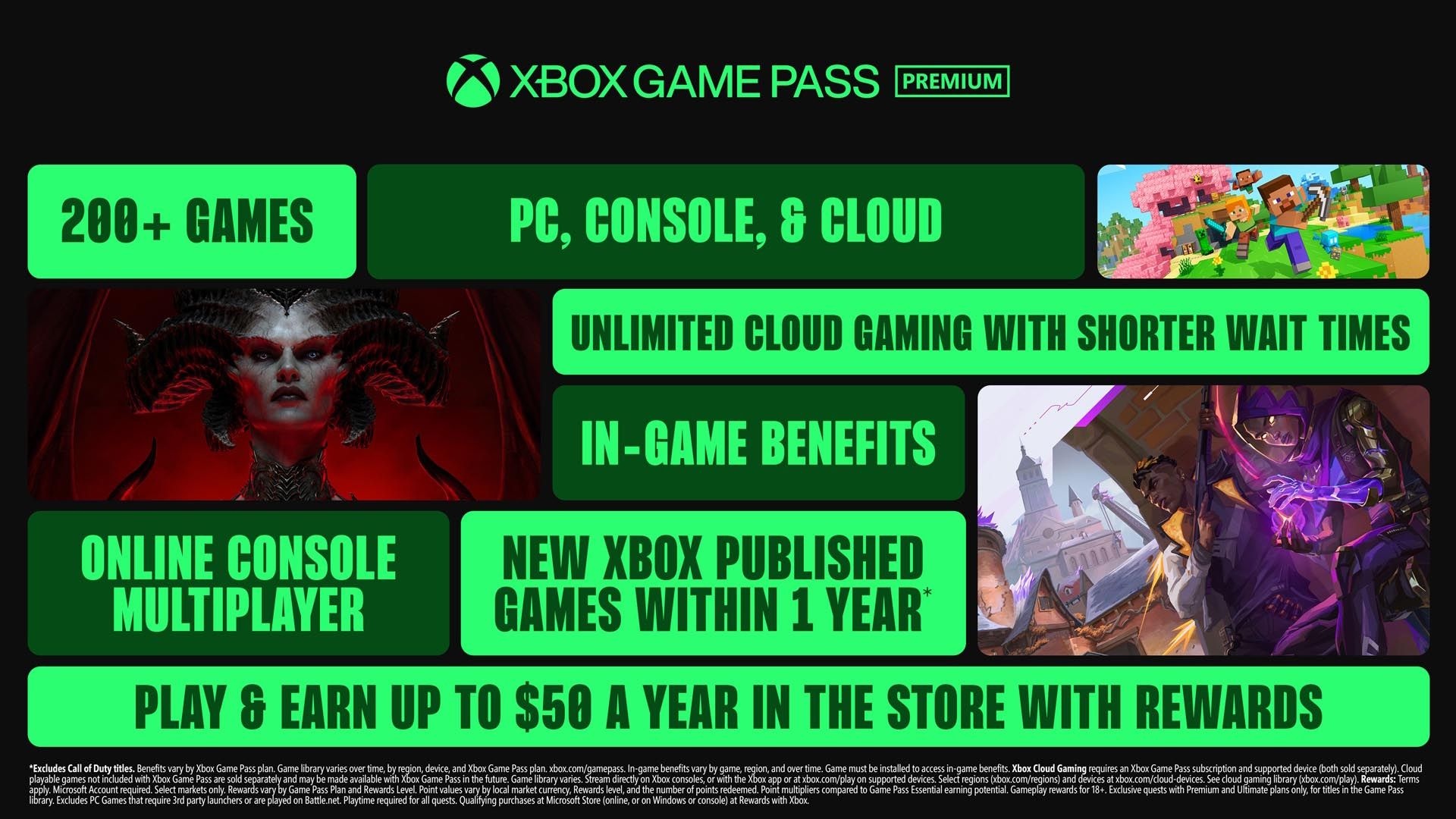
- Game Pass Premium (formerly Standard) stays at $14.99 per month and now includes PC games in addition to console games.
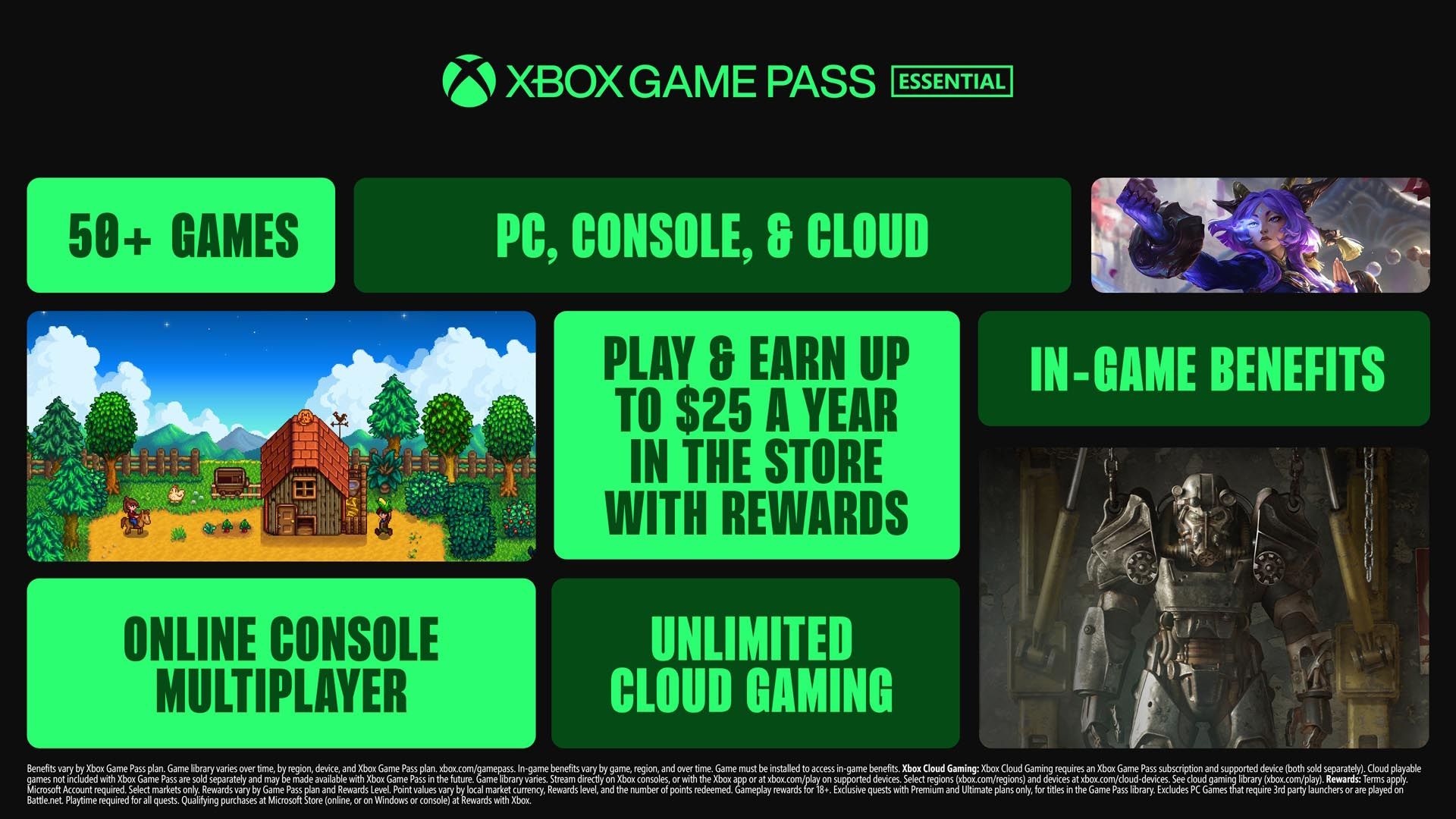
- Game Pass Essential (formerly Core) remains $9.99 per month and now includes PC games, but it does not include free access to Xbox-published games at launch or later.
Additionally, Ultimate now bundles some partner subscriptions and benefits:
- Includes Ubisoft+ Classics and EA Play, and will include Fortnite Crew starting in November.
- Microsoft stated Ubisoft+ Classics has an internal value of $15.98 per month, while Ubisoft+ alone can be subscribed to for $7.99 per month according to public listings.
- Fortnite Crew’s standalone price is $11.99 per month, and it will be part of Ultimate in November.
- Cloud gaming remains included; Microsoft promised the “shortest wait times” and “best quality” for Ultimate, but did not publish specific metrics.
- Store rewards: Ultimate members can earn up to $100 per year, Premium up to $50, and Essential up to $25.
Microsoft did not specify whether existing Ultimate subscribers are locked into the old price or whether billing will change immediately; the company was contacted for clarification.
How to check your Xbox Game Pass tier
There are two easy ways to confirm which tier you have.
First, on your Xbox console or in the Xbox app, open your profile and scroll to the Subscriptions section under your account info. It will list any active Game Pass subscription and the tier name.
Second, sign into your Microsoft account on the web and open the Subscriptions tab in the left navigation. Your active Game Pass subscription appears there among other Microsoft subscriptions.
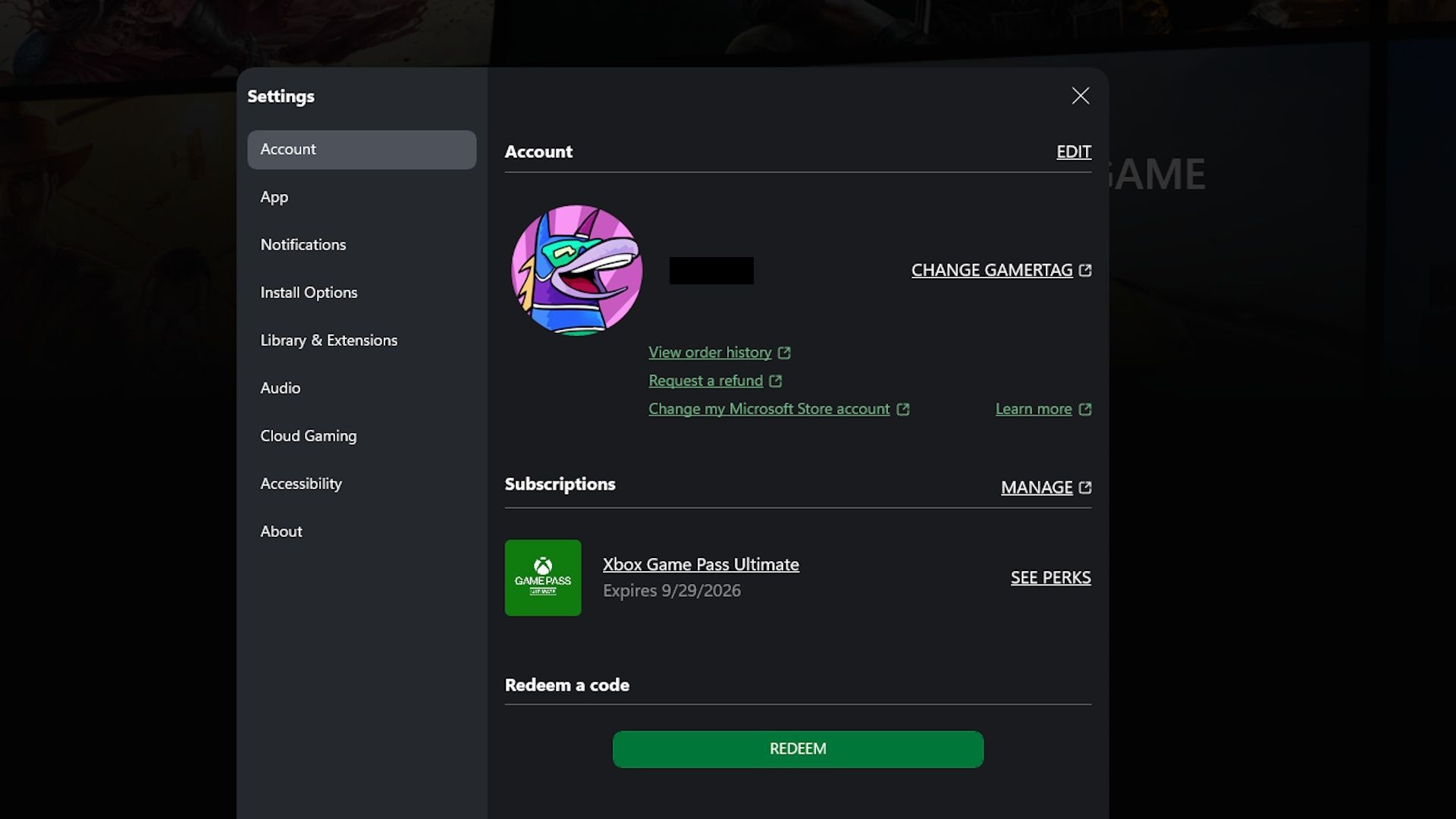
Finally, Microsoft is automatically migrating subscribers to the renamed tiers as follows:
- Existing Game Pass Ultimate subscribers remain in the same tier.
- Existing Game Pass Standard subscribers are moved to Game Pass Premium.
- Existing Game Pass Core subscribers are moved to Game Pass Essential.
How to change Xbox Game Pass tiers
On console or in the Xbox app
To switch plans there:
- Open your profile settings.
- Navigate to Subscriptions.
- Select the Game Pass subscription you want to manage and choose Change subscription.
- Pick the tier you want and confirm.
On the web
To change tiers from a browser:
- Sign into your Microsoft account and go to the Subscriptions tab.
- Select the Game Pass subscription and click Manage.
- Choose the tier you want and follow the prompts.
Billing rules to know: if you upgrade, Microsoft charges you immediately for the difference between tiers. If you downgrade, the lower price takes effect when your current billing period ends. For example, downgrade in the middle of a month and you stay on the higher tier until the next renewal, then the lower price applies.
How to cancel your Xbox Game Pass subscription
To cancel, go to the same Subscriptions or Manage area in the Xbox app, console profile, or your Microsoft account online and choose the cancel option. After cancellation, your subscription remains active until the end of the paid period; there are no refunds for time already paid.